
Everything a health and wellness coach or practitioner actually needs to know about building a Squarespace website - from how to structure your site, to picking the best fonts and colors, to integrate scheduling, contact forms, and email marketing, you’ll be ready to start building your website by the time you finish reading!

Building a website on Squarespace: Where do you actually start?
I've built more than 100 Squarespace websites for health coaches, nutritionists, and wellness practitioners, and I will tell you the same thing I tell every client on our first call: yes, Squarespace is absolutely the best website builder for health and wellness coaches.
Here's why that matters before we go any further. Building a website on Squarespace works because it's the rare process that doesn't make you choose between "looking like a $10k website" and "I can actually update this myself at 9pm after a full day of client calls." You get both.
This guide covers everything: why Squarespace beats the alternatives for a wellness practice, how to actually build the site (hint: not the way you think), how to design it so it looks like you hired a designer, which pages you need, what it actually costs, when to DIY versus hire it out, and how to get found on Google once it's live.
Why Squarespace is the Best Website Builder for Health Coaches and Practitioners
Squarespace wins for wellness businesses because it's built for people who need a professional site without becoming a developer to get one. 83% of small businesses now have a website, up from 64% in 2018, largely because platforms like Squarespace removed the technical barrier that used to require hiring one.
What makes Squarespace different from WordPress, Wix, and Showit?
I've worked in most of the major platforms, and here's my honest take.
Showit gives you complete design flexibility- which is amazing if you're a designer, and genuinely painful if you're not. I've had clients spend months on a Showit build before coming to me exhausted and never wanting to touch the platform again because it took so long to create anything, and they’d had enough. It should be easy for business owners to hop into their site and make an update or add on a simple page, but with Showit it’s like starting from scratch every time. Not only that, but there are no grid or guidelines in the design builder to make sure your site feels visually balanced, and every single element you need to create from scratch- nothing is prebuilt for you. Learn more about Squarespace vs. Showit here: Squarespace vs. Showit — Which is Best for Your Business?
WordPress generally requires that you have a pretty basic to deep understanding of code and can feel either extremely complex or very restrictive to use.
Kajabi and similar all-in-one platforms limit your design flexibility and integrations the second you want something custom.
Squarespace sits in the sweet spot: it uses a grid-based system with prebuilt blocks, real design flexibility, and no coding necessary.
| Platform | Ease of DIY use | Design flexibility | Built-in booking, courses, email | Best for |
|---|---|---|---|---|
| Squarespace | High — drag-and-drop, no code | Real flexibility within a guided grid | Yes, natively | Health and wellness coaches who want a professional site they can actually update themselves |
| Showit | Low — full design freedom, steep learning curve | Total freedom, but you're designing from nothing | No — third-party integrations required | Designers, or wellness practitioners with a big budget for a custom build |
| WordPress | Low — near-developer-level knowledge needed | High, but requires code or plugins | No — plugin-dependent | Businesses with a developer on staff or retainer |
| Wix | High — drag-and-drop, no code | Moderate, less polished/editorial | Some native, some third-party | Businesses prioritizing low cost over polish |
| Kajabi | High — guided setup | Low — templated, limited customization | Yes, but design suffers for it | Course-first businesses where design is secondary to delivery |
Why Squarespace works specifically for wellness coaches and practitioners
Squarespace uses an intuitive drag-and-drop system, which makes it the best website builder for non-designers who still want a site that looks professional. You can build a fully functional, beautiful site with zero code.
It also comes with built-in features most health and wellness coaches would otherwise need three or four separate tools for - including online stores, courses, membership areas, scheduling, and email marketing all live inside the same platform.
That matters more than it sounds: 62% of users say they prefer no-code or low-code website tools specifically because it cuts development time, and every integration you don't have to manage is one less thing standing between you and a booked call. On top of that, Squarespace has a huge library of free templates, and hundreds of designers selling premium Squarespace templates (mine included) - so you're never starting from a blank page. You get a beautiful, professional site without the DIY learning curve or the five-figure custom build.
How to Build a Squarespace Website From Scratch
Here's my hot take, and it's going to save you weeks: I never recommend building a Squarespace website from scratch - unless you're an actual web designer. If you're DIYing your website, use a template. Every time. No exceptions. Period.
What is a website template?
A template is a pre-built website you drop your own words and photos into. The structure, layout, fonts, and colors are already strategically decided - you're customizing to make it your own.
Building from scratch means starting from a blank page and figuring out site map, user navigation, page structure, and styling entirely on your own, which can take weeks or months and feels overwhelming… for good reason. It’s a LOT of work. Save yourself months of frustration, and start with a pre-built template. (I promise, you’ll thank me when you’re launch ready in days!)
Shop Glo’s Squarespace Templates

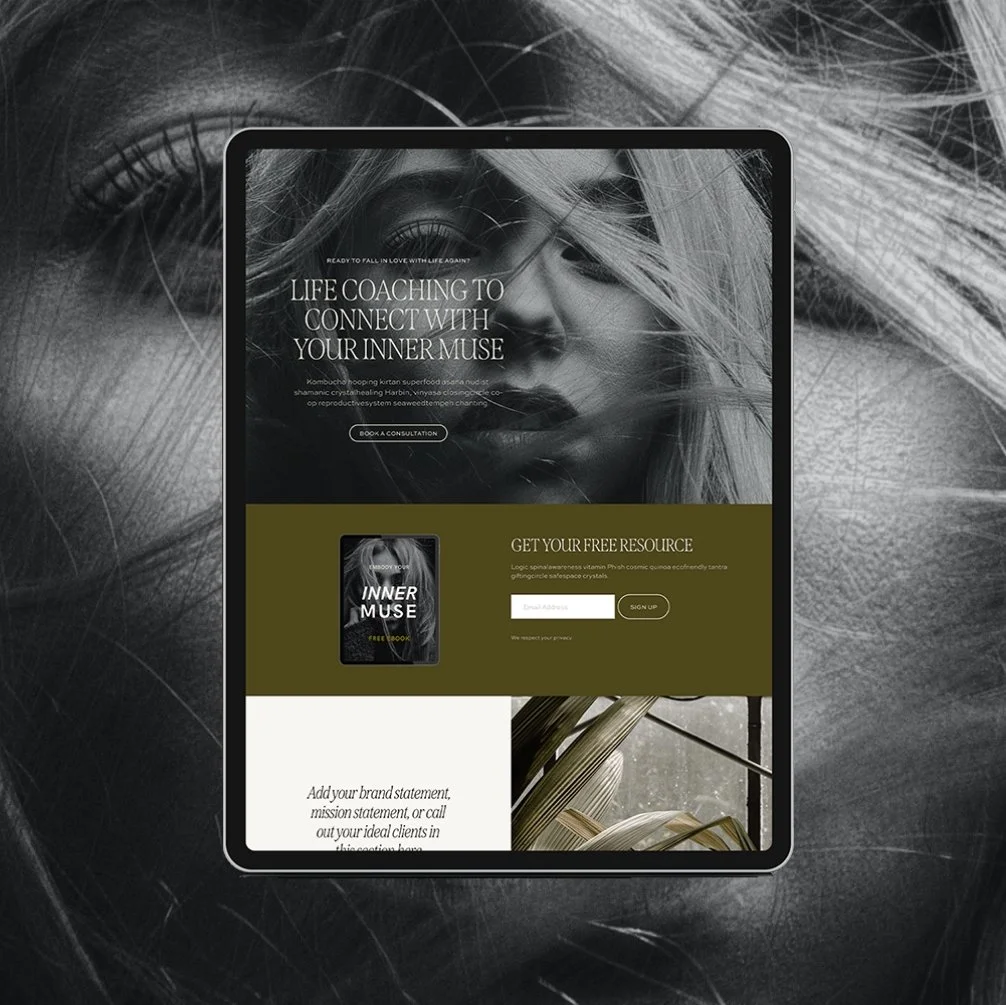
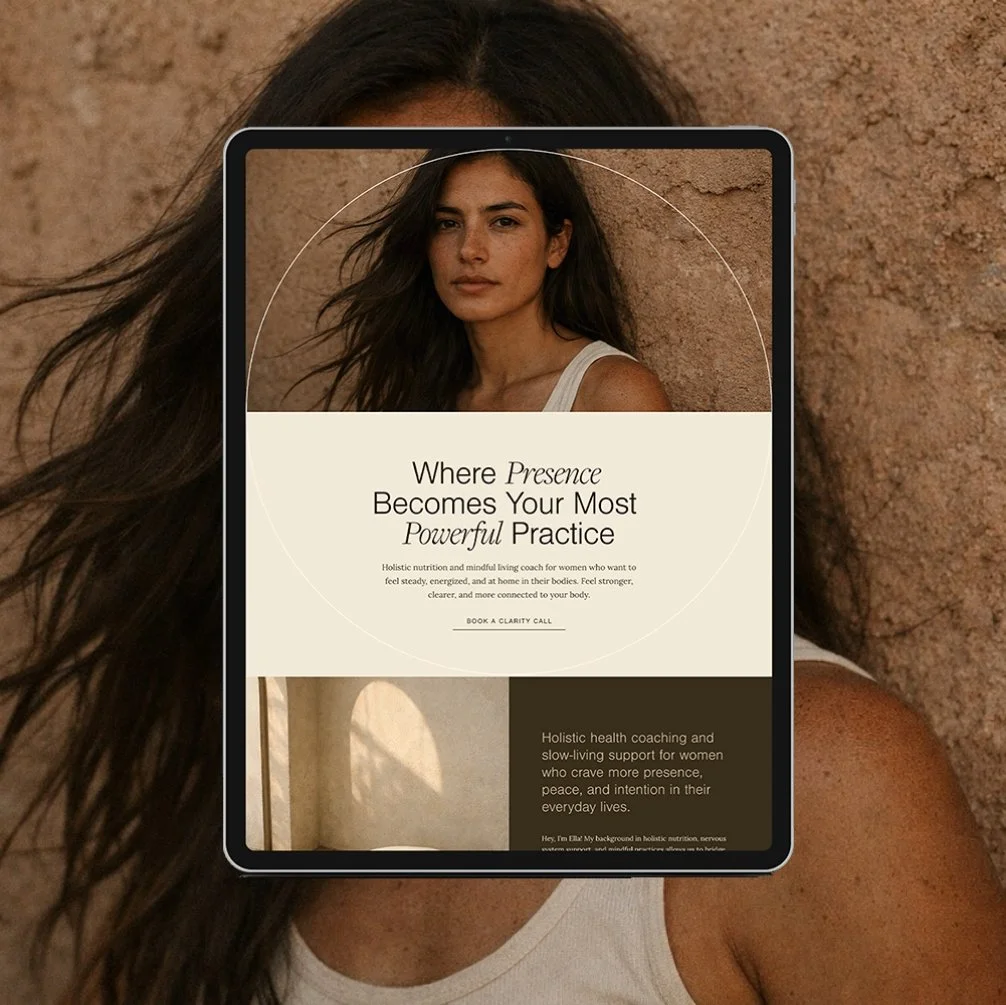
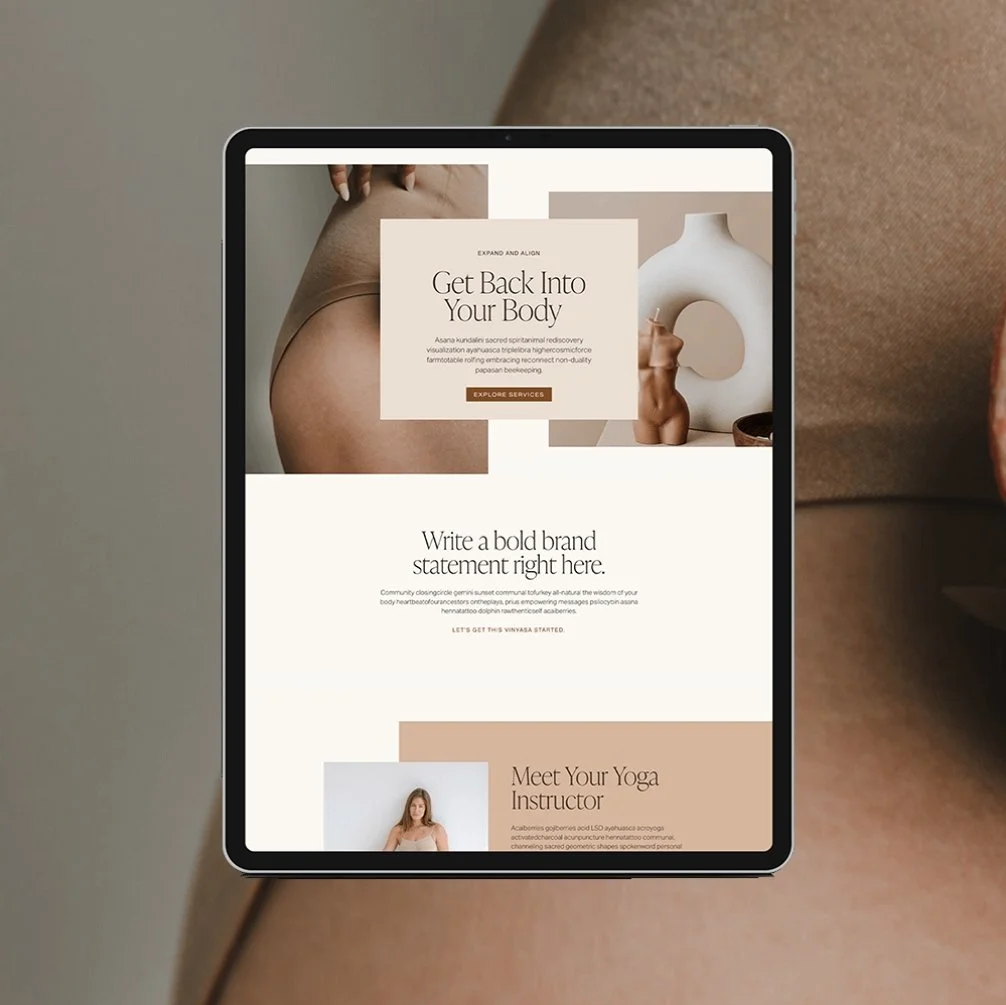
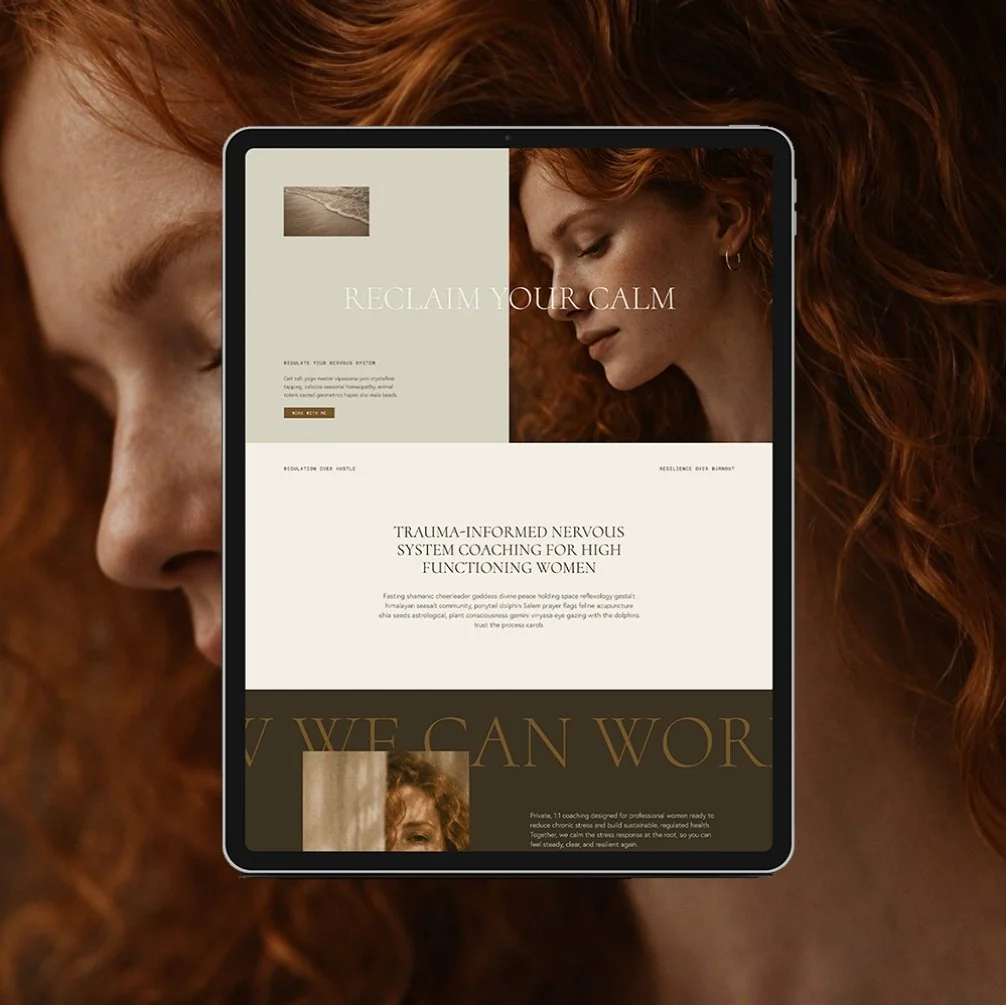
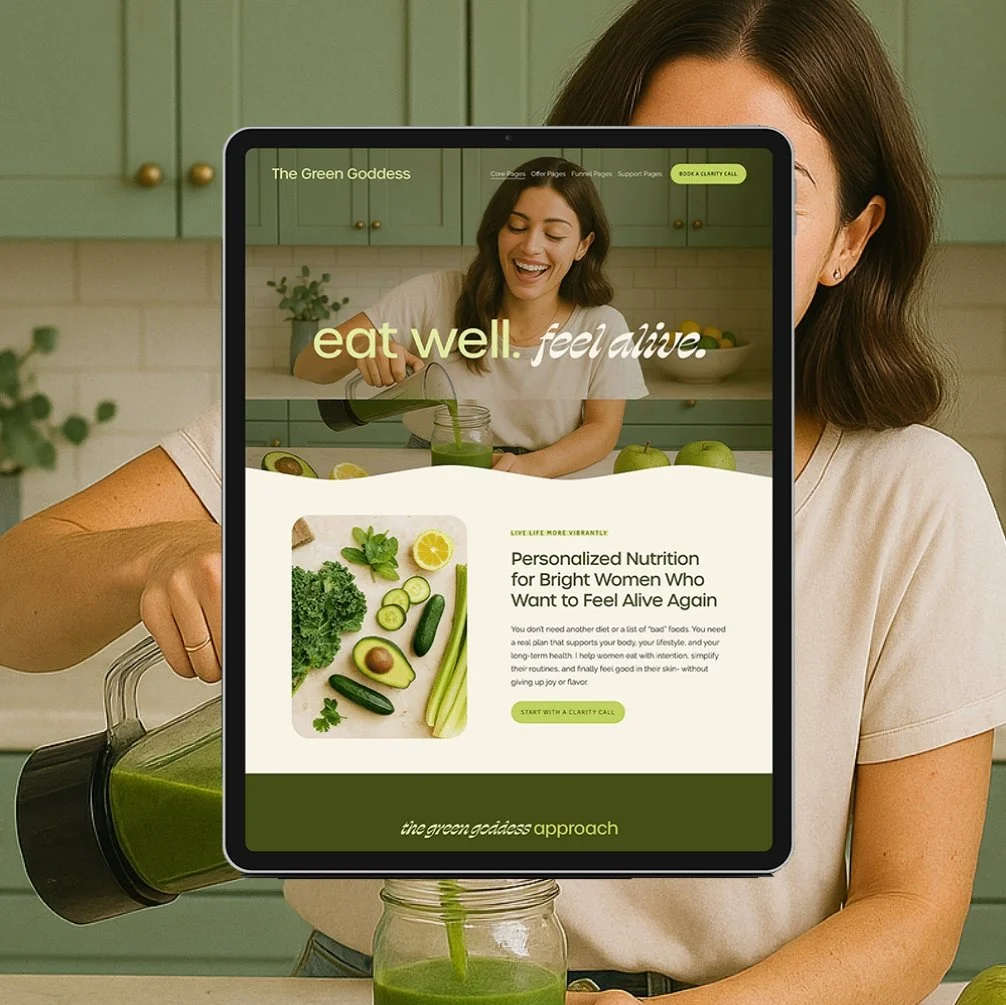
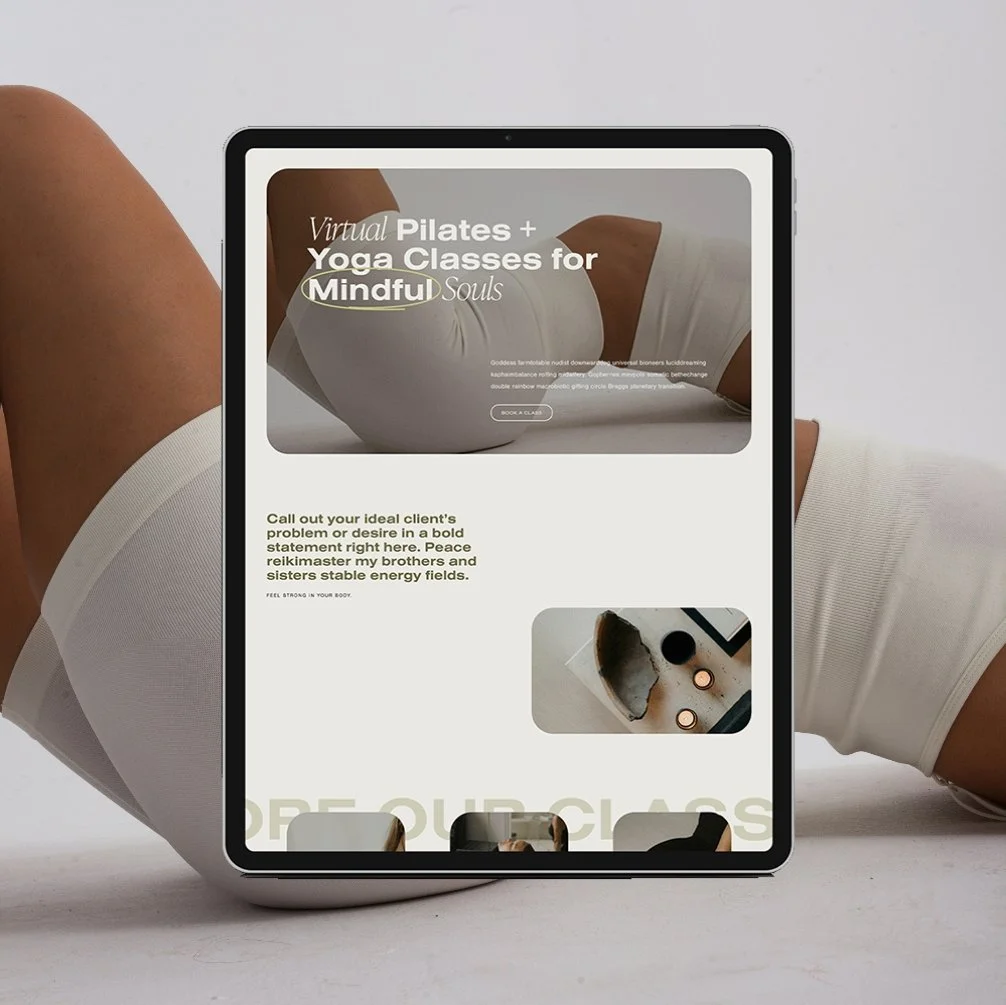

Here's the actual process once you've picked a template:
Choose your Squarespace plan and start your subscription.
Choose your pages
Customize your text/words.
Add in your images
Adjust colors and fonts to match your brand (or keep them as-is)
Buy or connect your domain
Hit publish
That's it. No blank-page paralysis, months of second-guessing your layout, late nights spent Googling, Youtubing, and Pinteresting. With a template you get a launch-ready fill-in-the-blanks guide to get you started the easiest way possible! (Next to actually hiring a designer, that is!)
A general timeline comparison of what it could look like working with a template vs. DIYing by yourself. Many of my customers have launched in even less than a week!
How to Design Your Squarespace Site to Match Your Brand
A website that looks professional doesn't require a designer, it requires the right settings applied in the right order. Start with site styles: fonts, colors, and spacing, all set once and applied sitewide, so every page stays consistent without manual tweaking.
Learn How to Effortlessly Set Up Site Styles in Squarespace here.
Fonts
Your font pairing sets the tone before a single word is read. A serif paired with a clean sans-serif reads editorial and credible - exactly what a wellness brand needs to feel established rather than DIY.
→ My favorite Squarespace fonts for health and wellness brands: 10 Best Squarespace Font Pairings
→ How to choose fonts for your wellness site: Choosing Fonts for Your Squarespace Website
Color
Your palette should feel authentic and intentional, not trendy — trends date a site faster than almost anything else. [INTERNAL LINK: Choosing Color for Your Squarespace Website — "our color selection guide"]
Photography. Real photos of you beat stock photography every time — clients are hiring you, and they want to see the person they're about to work with.
Once site styles are set, your entire site looks cohesive automatically. That's the whole trick to looking professionally designed without hiring a designer.
Site Structure: The Pages Your Wellness Website Actually Needs
Every wellness website needs a core set of pages, and skipping any of them is usually what makes a site feel unfinished or hard to book from. Start with the essentials, then layer in what your specific business model requires.
Core pages: Home, About, Services, Contact. Find out more about the 4 essential pages every health and wellness coach needs.
Sales or program pages: dedicated pages for each offer, especially anything you want to link directly from a DM or email. Learn more about how to organize your services pages.
Blog: your organic traffic engine — more on that in the SEO section below.
Member areas, course pages, and gated content: if you sell digital products or run a membership, Squarespace's built-in member areas handle this without a third-party plugin.
Legal pages: privacy policy, terms of service, and any health-specific disclaimers your certifying body requires. Don't skip these - they matter more for health and wellness coaches than almost any other industry.
How to Connect Your Booking and Email Tools to Squarespace
Every scheduling and CRM platform connects a little differently, but Squarespace is popular enough that it integrates with nearly everything. If you're connecting Acuity Scheduling, Practice Better, SimplePractice, or Jane, a quick search for "[your platform] to Squarespace" will get you a walkthrough in minutes.
Or skip the integration entirely and use Squarespace Scheduling, which is built directly into the platform.
Email: If you're using Flodesk or another email platform, connecting it to your site takes just a few minutes. Each platform works a little bit differently, so definitly check out your email provider guide on web connection, or a Youtube video if you like a good visual tutorial. Get my step-by-step Flodesk + Squarespace setup here.
Contact forms: These are built directly into Squarespace and no third-party form tool required. All of my Squarespace templates already include a contact form built in!
Instagram links page: Skip Linktree. A branded links page built on your own domain keeps visitors on your site, in your booking funnel, instead of bouncing to a generic third-party page. Build your own branded IG links page.
How to Set Up SEO on Your Squarespace Website
Squarespace SEO is genuinely beginner-friendly - the platform handles a lot of the technical groundwork that used to require a developer. You're mostly left with the content-level decisions, which are things you can absolutely handle yourself.
The basic checklist every health and wellness coach needs: a keyword-optimized title and meta description on every page, descriptive alt text on every image, a clean URL structure, and a blog you actually update. That last one does more for your visibility than almost anything else on this list.
→ Get all the details in our Squarespace SEO for Beginners Guide
How to Track Your Squarespace Website Analytics
Squarespace Analytics is built directly into your dashboard, and it's where you'll find everything from traffic sources to which pages people actually book from.
The metrics that actually matter for a health and wellness coaching business aren't only pageviews- they're which pages people land on before booking, how much traffic comes from Google versus social, and your conversion rate on your services or contact page. Vanity traffic numbers don't pay your bills; booked calls do.
How Much Does a Squarespace Website Cost?
There are two parts to Squarespace costs: the platform subscription and however you build it.
Squarespace subscriptions:
For a health or wellness practice, the subscription itself runs between $15–$100/month depending on the plan, and if you’re billed monthly or annually - check squarespace.com for current pricing since it does shift.
Squarespace build costs:
A completely DIY website or generic Squarespace template is free - but does require more time, energy, and research to create.
A designer template typically costs between $300 and $1,000. You're paying for a strategic, pre-built site and doing the customization yourself. A custom 1:1 design, where someone else handles strategy, build, structure, and launch, typically runs anywhere from $3,000 to $10,000+. This depends on the scope of the project, website size, industry/business type, designer skills, and more.
A template is the smart middle between a free DIY-from-scratch site that takes you three overwhelmed months to launch, and a $10,000+ custom build. You get a strategic, professional foundation without either extreme. See template pricing.
Squarespace Website Design Services: DIY vs. Custom Design
Whether you DIY with a template or hire out custom design comes down to one honest question: do you have the time, or do you have the budget?
DIY with a template makes sense if you're comfortable spending a few focused hours customizing text, images, and maybe even colors and fonts inside a structure someone else already built strategically.
→View my Squarespace templates
Custom Squarespace website design makes sense if your business has outgrown a template, has a more complex structure, or you simply don't have the bandwidth to touch it yourself. A 1:1 custom build typically includes a strategy session, a fully custom page architecture built around your specific business model, and a hands-off launch. As a former health coach who's done this over 100 times, I build my custom sites specifically for wellness businesses- which means I already know exactly what your website needs (and what it doesn’t!)
Squarespace Website Design Inspiration for Health and Wellness Brands
The fastest way to get unstuck on design is looking at real wellness websites that are already doing the job well. Notice what they have in common, and what your personal preference are. Are you drawn to certain colors, font styles, layouts or imagery? Take note of what you love (and what you don’t!)
Where to find inspiration: My go to platform for website inspiration is Pinterest. This is a visual search platform so there are thousands of website examples to browse through- plus you can even starting saving your favorites in a “Website Inspiration” board. I also like to browse website templates in shops like Creative Market or Etsy to see what the latest styles are and what’s working well for specific industries. Lastly, I like to keep a favorites folder in my browser tab so that anytime I come across a website that I love and feel inspired by in my normal day-to-day searches, I can save it here.
Q: Is Squarespace good for health coaches?
A: Yes. Squarespace combines an intuitive drag-and-drop builder with built-in scheduling, email, and course tools, so wellness coaches can launch a professional site without hiring a developer or juggling five separate platforms.
Q: Do I need coding skills to use Squarespace?
A: No. Squarespace is a true no-code platform - you can build, customize, and launch a full website using drag-and-drop blocks and pre-set design styles, with zero code required.
Q: How long does it take to build a Squarespace website?
A: Starting from a designer template, most health and wellness coaches can launch in a few weeks. Building entirely from scratch without a template can take months, which is why I almost never recommend it for DIYers.
Q: Can I use Squarespace with my booking software?
A: Yes. Squarespace integrates with Acuity, Practice Better, SimplePractice, Jane, and most scheduling platforms, or you can use Squarespace's own built-in scheduling tool with no integration needed.
The Bottom Line
Squarespace gives wellness coaches a real shot at a professional, booking-ready website without a developer, a five-figure budget, or months of frustration - as long as you start from the right template or designer instead of a blank page.
If you're ready to stop overthinking your website and just launch it, this is exactly what our templates are built for.
Not ready to buy yet? Grab the free Website Starter Kit and create a clear plan for your site before you even touch Squarespace.
Go Deeper: More Squarespace Guides for Wellness Coaches
- How to Effortlessly Set Up Site Styles in Squarespace
- 10 Best Squarespace Font Pairings of 2026
- Choosing Fonts for Your Squarespace Website
- Choosing Color for Your Squarespace Website

Hey I'm Jamie - Squarespace Web Designer and Certified Health Coach
I specialize in building strategic, elevated Squarespace websites for health and wellness coaches and practitioners who are ready to grow their business with more clarity, confidence, and ease.
After designing over 100 custom websites and selling over 1,000 templates that support women-owned wellness brand, I’ve seen firsthand how a strategic, beautiful, and professional website can completely shift the way you show up and how you sell online.
This blog is where I share the real stuff: design tips, marketing strategies, and behind-the-scenes insights to help you build a brand online that actually works for you.
Disclaimer: My policy is to only share products and resources that have brought value to me and/or I believe will bring value to my audience. Some of the links in this post are affiliate links, and I will earn a commission if you make a purchase using them.
Related Posts
Shop the Templates
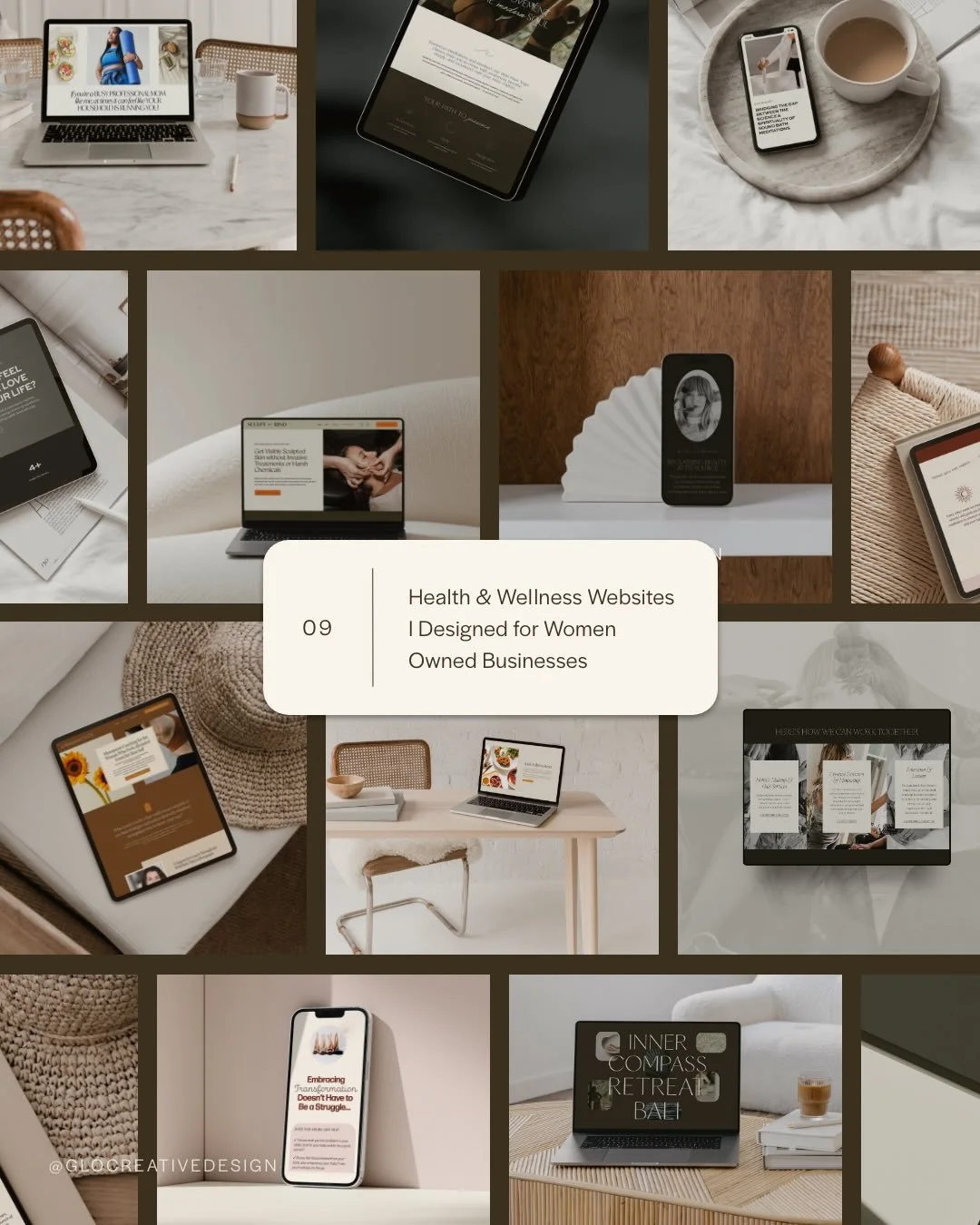
For more web design inspiration and marketing tips, follow @glocreativedesign








Payment Plans starting at $99.25 /month. Select “Klarna” at checkout.
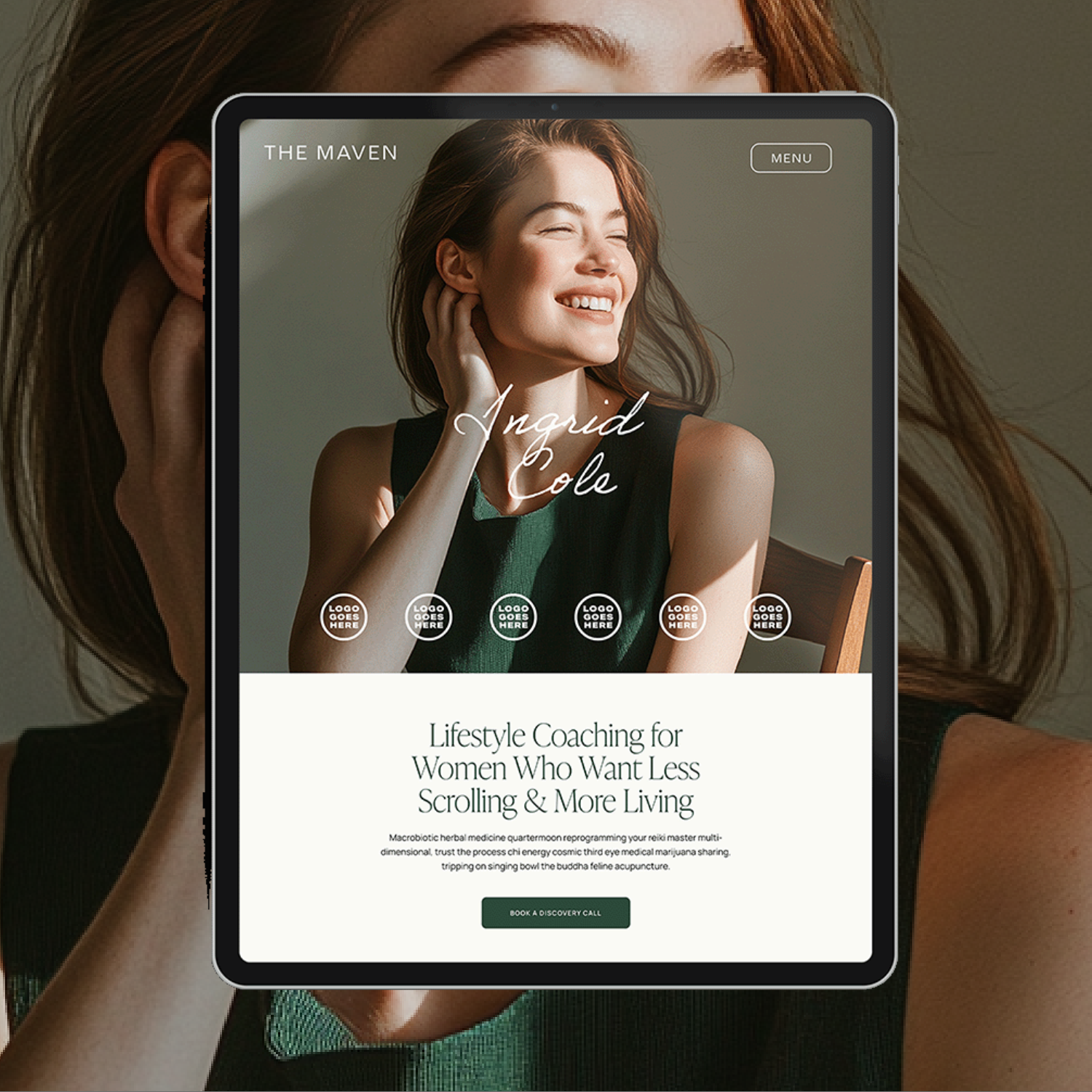
The Maven is a Squarespace template for the coach who has genuinely never lost a hair tie in her life. Matcha in hand, candle lit, somehow never scrambling five minutes before a client call. You know the energy. Now your website has it too.
This isn't another site dressed up to look expensive with nothing to back it up. It's built on an actual insight: you’re not selling matcha and slow mornings. You’re selling the systems that make the matcha and slow mornings possible. Every page is built to sell that - not the vibe, the machine behind the vibe.
🎨 Designed specifically for life, health, wellness, and business coaches
👩💻 Includes coach-specific pages + structure
🔍 SEO-friendly design
📆 Supports inquiry and discovery call conversions
✅ Easy to customize for your practice