
Squarespace SEO for Beginners: Your Simple 101 Setup Guide
You’ve built a beautiful Squarespace website (go you!)… now let’s make sure people can actually find it.
If the word SEO makes your eyes glaze over or your palms sweat, you’re not alone. Most women I talk to feel totally intimidated by it- like it’s a secret language only techy marketing bros understand.
But here’s the truth: SEO is actually super simple once you know what it means.
What SEO Actually Is (and How It Works)
SEO stands for Search Engine Optimization, which is just a fancy way of saying: helping Google understand what your website is about so it can show it to the right people.
When someone searches for “holistic nutrition coach near me” or “anxiety therapy for women,” Google scans websites across the internet to find pages that best match what they’re looking for. If your site clearly tells Google who you are, what you do, and who you help, it’s much more likely to show up.
It’s not magic, and it’s definitely not instant. SEO is a long-term growth strategy- it usually takes 3–6 months to start seeing real results. But when you do, it can be huge. Unlike social media, where your posts disappear after 24 hours, SEO keeps working behind the scenes, helping new clients find you every single day.
It’s also a great visibility method if you’re not a social media person. Think of it as quiet, organic growth that compounds over time.
And here’s the secret: it’s something you can nurture regularly, not something you “set and forget.” I recommend checking your SEO stats and making small updates every quarter- things as simple as refreshing your page titles, writing a new blog post, checking for broken page links, or updating an outdated page description.
So let’s make it easy. Here’s your Squarespace SEO 101 setup guide: broken down into simple steps you can actually do (without wanting to throw your laptop out the window).
Don’t forget to save this post to Pinterest!
Keyword Research (The Foundation of SEO)
Before you change anything on your website, you need to know what words your dream clients are searching for.
These are called keywords, and they’re the bridge between what people type into Google and what you offer.
Think of it like this:
If you’re a wellness coach in Austin, people might be searching for “wellness coach Austin” or “holistic health coaching for women.”
Those are your keywords.
How to Find Them:
Brainstorm: What would someone type into Google if they were looking for you?
Use Free Tools: Try Google’s autocomplete, “People also ask,” or Ubersuggest.
Pick 1–3 per page: Focus on one main keyword per page, plus a few natural variations.
Don’t overthink it- this isn’t about cramming in as many as possible. It’s about using the right ones naturally throughout your site.
Page Titles & Meta Descriptions
(Your First Impression on Google)
Your page titles and meta descriptions are what show up in Google search results, and they’re your site’s first impression.
What They Are:
Page Title: The blue clickable headline on Google.
Meta Description: The short summary underneath that tells searchers what they’ll find.
Why They Matter:
They help Google understand your content and help real people decide whether to click.
Tips:
Keep titles under 60 characters and descriptions under 160.
Include your main keyword once, but make it sound natural.
Give each page its own unique title and description.
Example:
Page Title: Holistic Nutrition Coach in Austin | Bloom Wellness
Meta Description: Helping women heal their relationship with food through holistic nutrition and coaching—online and in-person in Austin, TX.
Where to Edit:
In Squarespace, open your page → click the gear icon ⚙️ → select SEO tab → paste in your Page Title and Meta Description
Image Optimization
(Because Google Can’t See Photos)
Google can’t actually see your photos- it relies on text to understand them. Optimizing your images helps both your SEO and your site speed.
Here’s how to do it:
Rename your image files before uploading.
Instead of
IMG_1234.jpg, usewellness-coaching-session.jpg.
Add alt text to each image under the image settings in Squarespace.
Write a short description of what’s in the photo, like “woman journaling during a nutrition session.”
Keep file sizes small so your pages load quickly (use a free tool like TinyPNG to compress images if needed).
That’s it! You don’t need fancy plugins or advanced settings, just clear, descriptive words.
Analytics: How to Track What’s Working
This is where you start to see what’s actually happening behind the scenes.
Squarespace Analytics:
Squarespace already has analytics built in! You can easily check:
How many people visit your site
Which pages are most popular
Where your visitors are coming from (Google, Pinterest, email, etc.)
It’s one of the easiest ways to understand what’s working and what’s not.
Learn how to use it here: Understanding Squarespace Analytics
Google Analytics & Search Console
For deeper insights, you can connect your site to Google Analytics (to track visitors and behaviors) and Google Search Console (to see which search terms your site is ranking for).
Both are free tools that help you make smarter, data-backed updates.
If you’re using a Glo Squarespace Template, you’ll find step-by-step instructions for connecting both tools inside the SEO Checklist included in the Glo Up Lounge.
It walks you through the entire process so you can track your website’s growth with confidence.

Design Tips for an SEO-Friendly Website
(What Google Loves)
Google loves clean, easy-to-use websites (and so do your visitors!) Here’s what that looks like in plain English:
Clear structure: Use simple page names and organized navigation menus so people (and Google) can find things easily.
Headings that make sense: Your page should have one main headline (H1) and smaller section titles (H2, H3).
Fast load times: Don’t overload pages with too many giant photos or videos.
Readable fonts and colors: If your visitors can’t easily read your text, Google won’t love it either.
Mobile-friendly design: Most people browse on their phones- so mobile optimized design is a must! If it’s not clear and easily navigable from mobile, you won’t win any points with Google.
Easy navigation: Buttons that clearly say what they do (“Book Now” ) help both humans and Google understand your site.
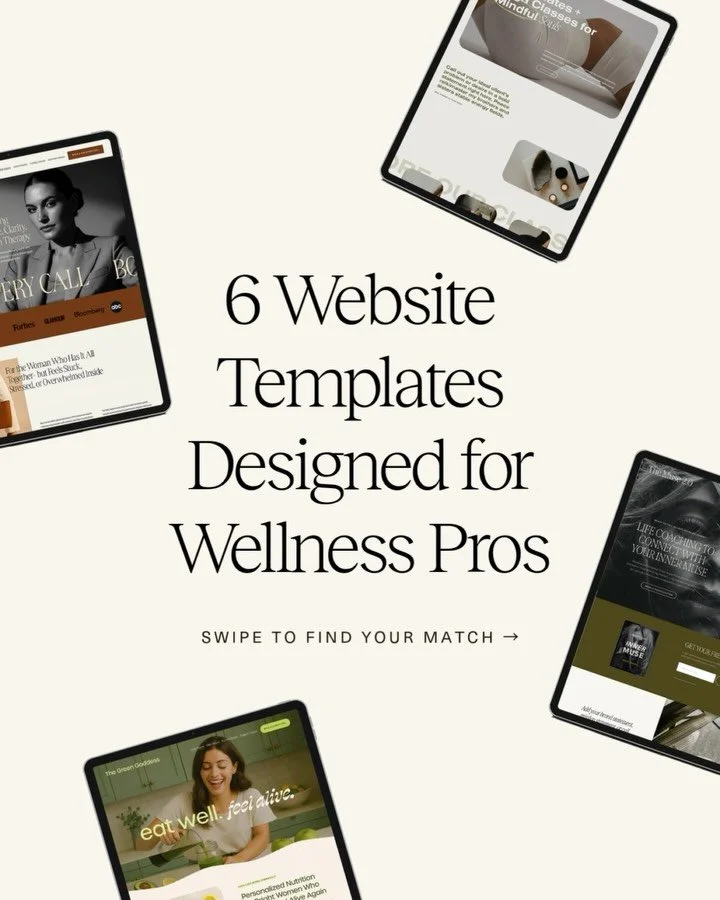
All Glo Website Templates are designed with SEO-favored design and structure, clean code, and fast performance, so your site starts strong right out of the gate.
Final Thoughts: Start Simple, Stay Consistent
You don’t have to master every SEO trick or understand every metric to see results.
Start small: choose a few keywords, update your page titles and descriptions, optimize your images, and peek at your analytics once a month.
Then keep building from there. SEO isn’t a one-time project; it’s a quiet, ongoing rhythm that builds trust with Google over time.
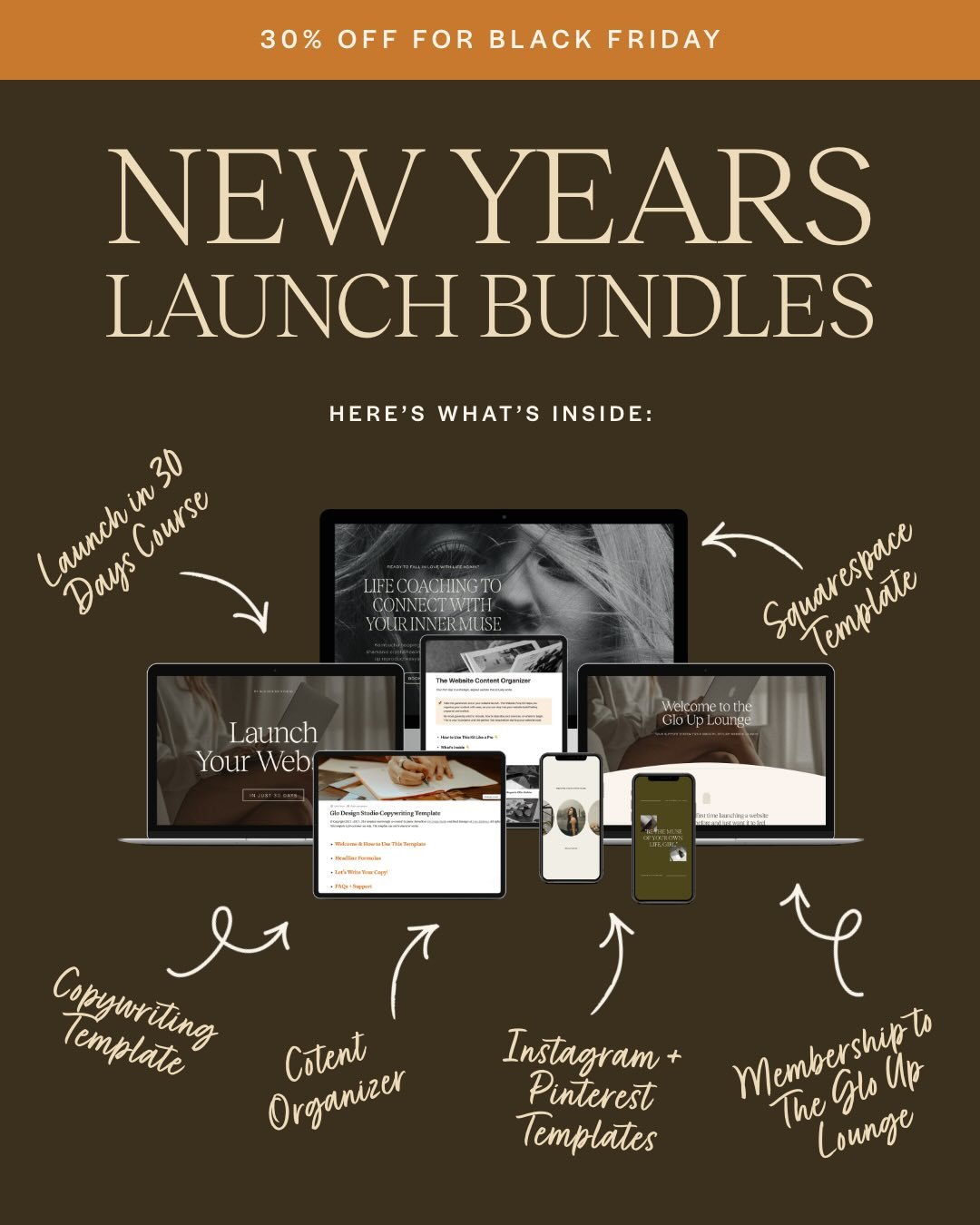
And if you want a head start? Explore the Glo Squarespace Templates- each one comes with access to the Glo Up Lounge, where you’ll find our SEO Checklist, launch tutorials, and everything you need to confidently customize and grow your website.
Don’t forget to save this post to Pinterest!

Hey I'm Jamie
-web designer, brand strategist, and former certified health coach turned creative studio founder. I specialize in building strategic, elevated Squarespace websites for wellness professionals who are ready to grow their business with more clarity, confidence, and ease.
After designing over 90 websites and supporting dozens of service-based entrepreneurs, I’ve seen firsthand how intentional design and smart strategy can completely shift the way you show up, and how you sell. This blog is where I share the real stuff: design tips, marketing strategies, and behind-the-scenes insights to help you build a brand that actually works for you.
Disclaimer: My policy is to only share products and resources that have brought value to me and/or I believe will bring value to my audience. Some of the links in this post are affiliate links, and I will earn a commission if you make a purchase using them.
Related Posts
Shop the Templates
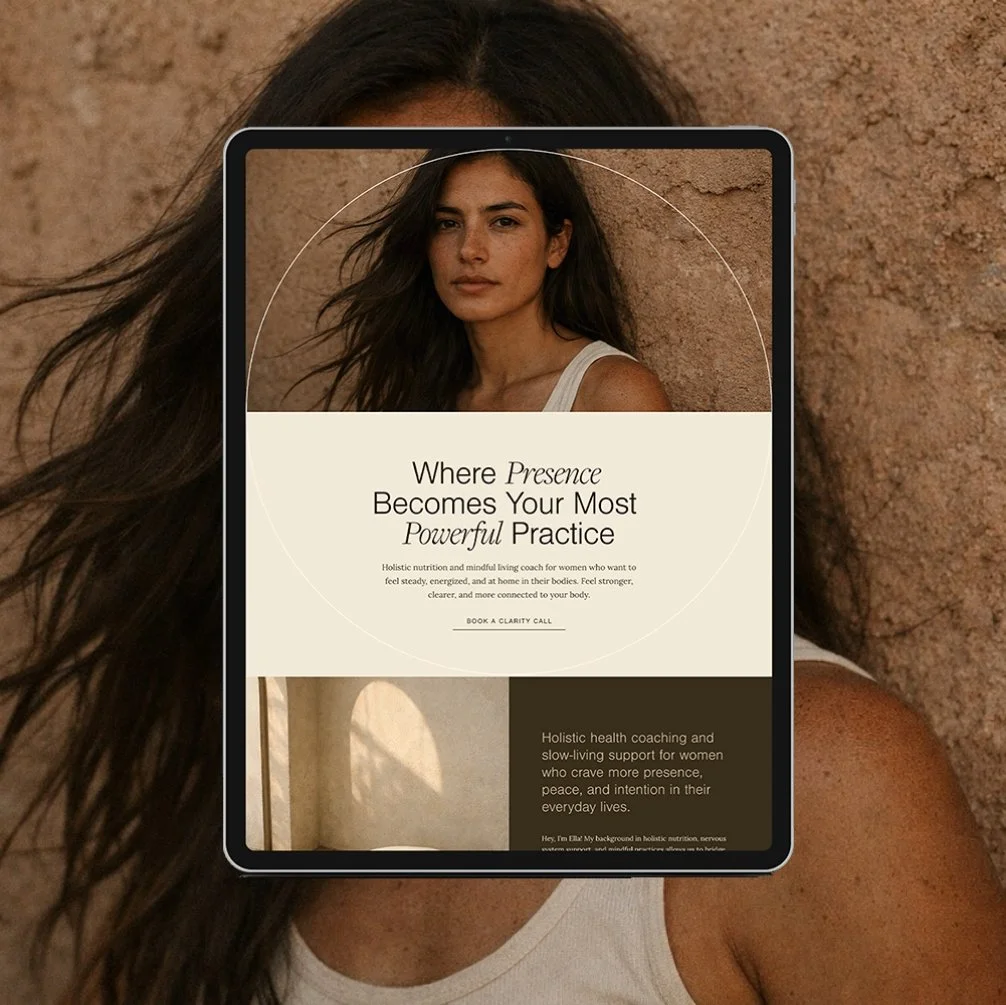
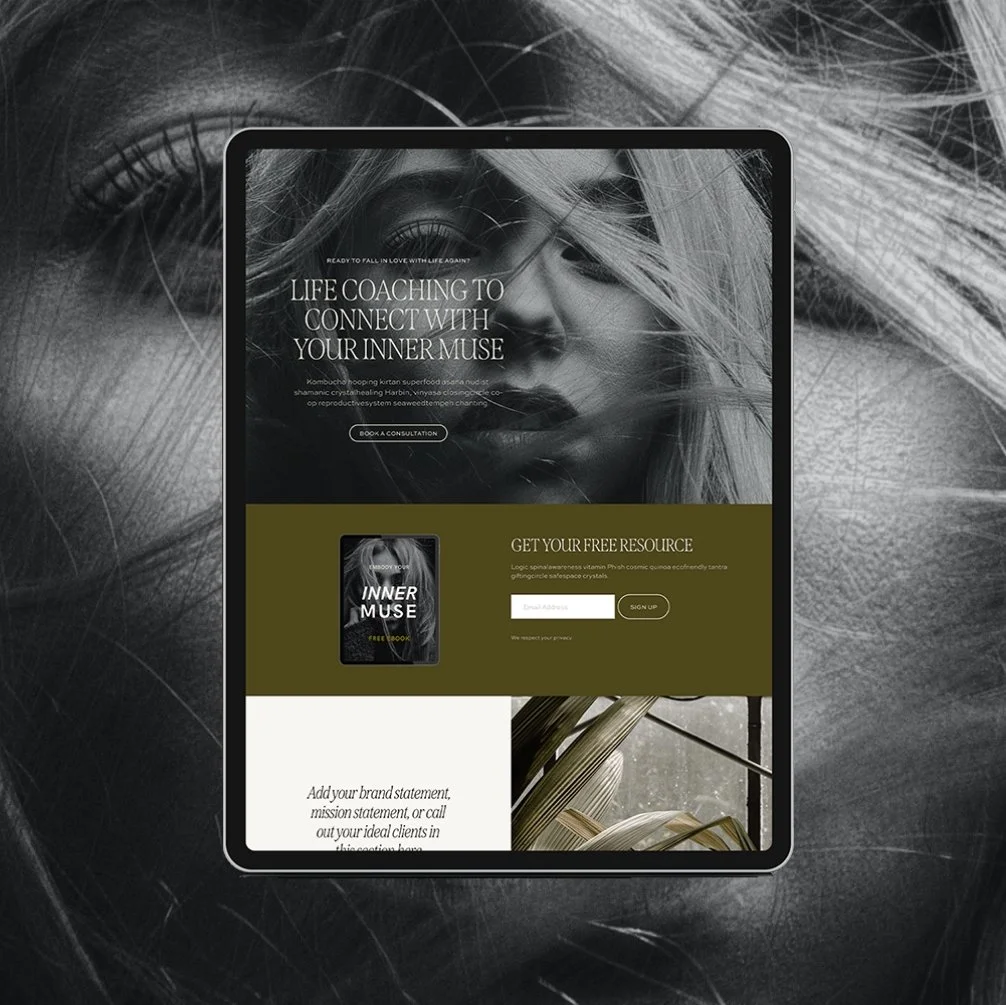
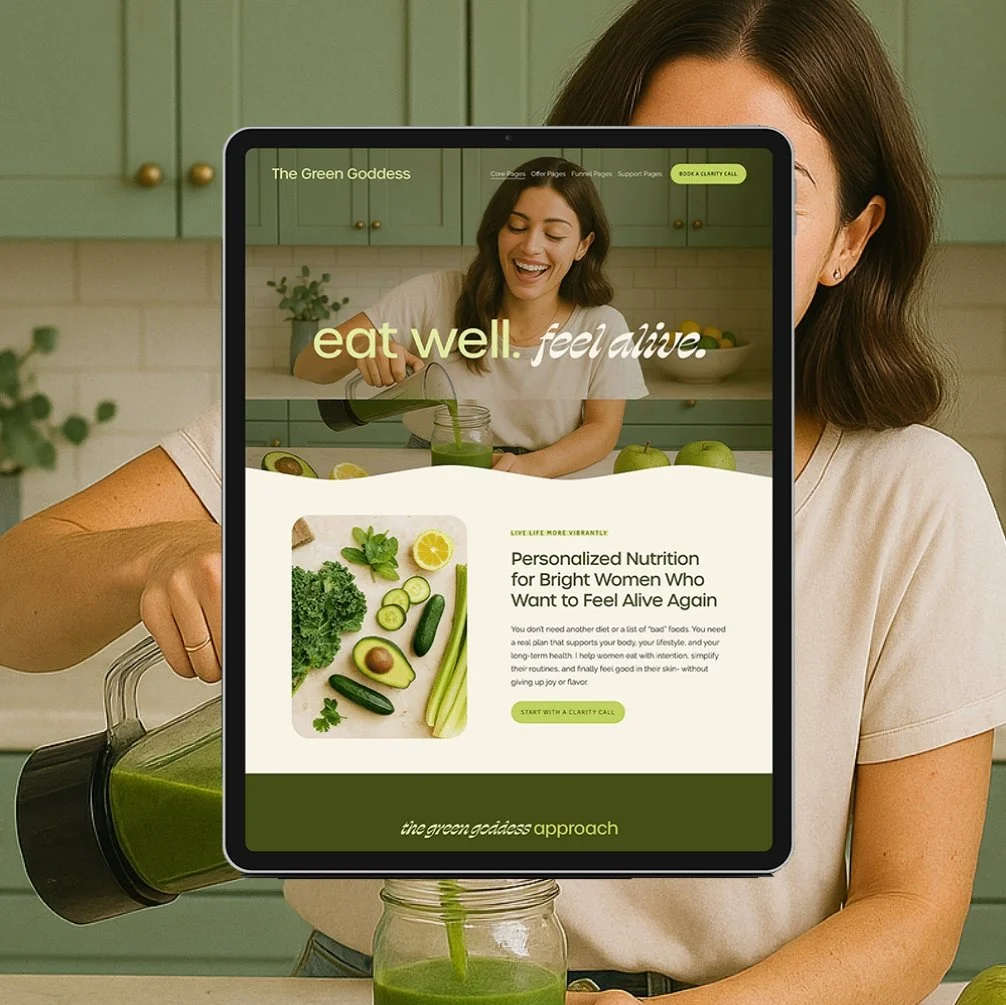
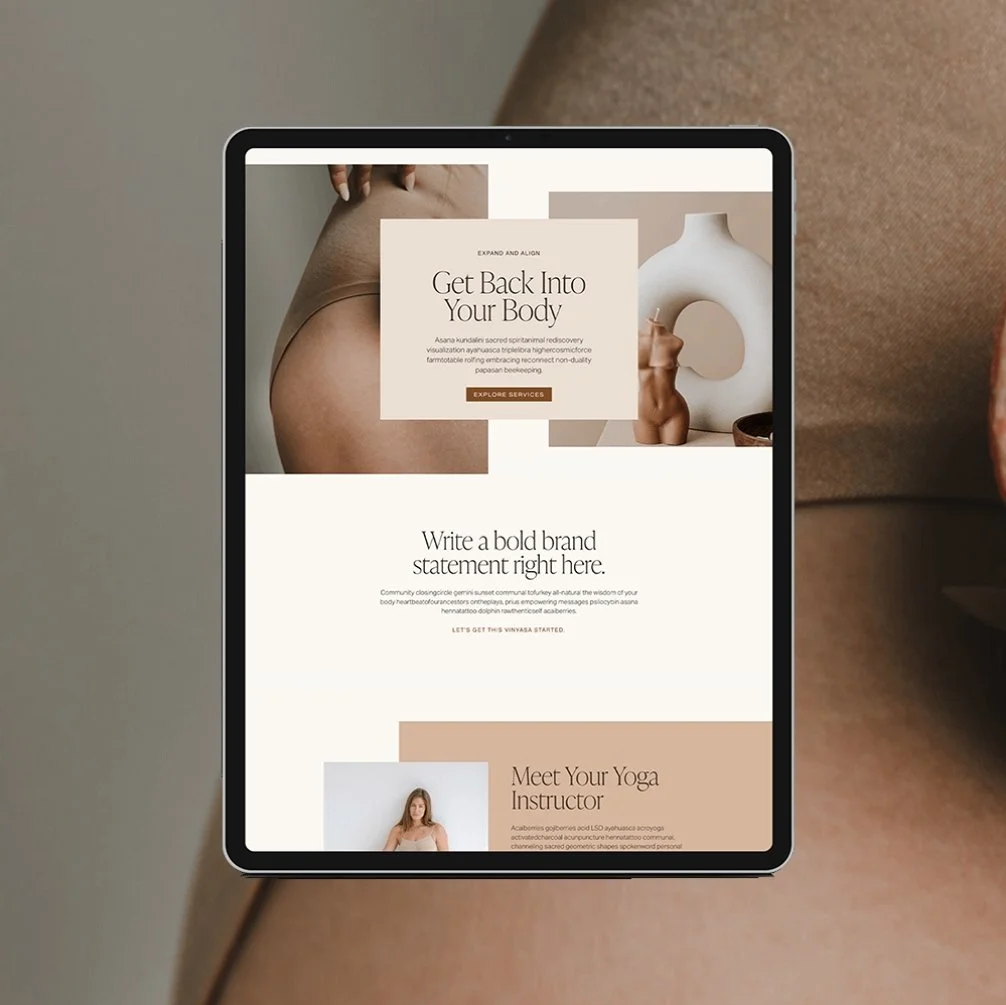

For more web design inspiration and marketing tips, follow @glocreativedesign






Payment Plans starting at $99.25 /month. Select “Klarna” at checkout.
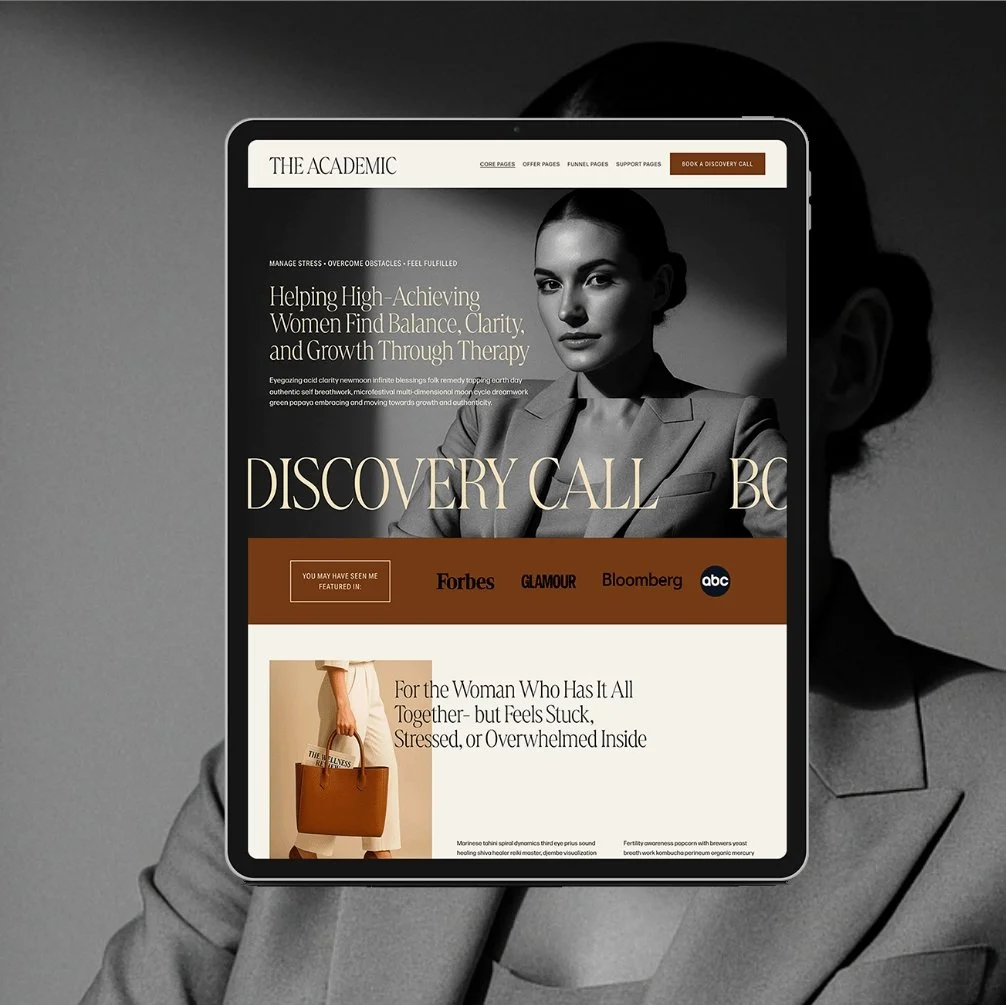
The Maven is a Squarespace template for the coach who has genuinely never lost a hair tie in her life. Matcha in hand, candle lit, somehow never scrambling five minutes before a client call. You know the energy. Now your website has it too.
This isn't another site dressed up to look expensive with nothing to back it up. It's built on an actual insight: you’re not selling matcha and slow mornings. You’re selling the systems that make the matcha and slow mornings possible. Every page is built to sell that - not the vibe, the machine behind the vibe.
🎨 Designed specifically for life, health, wellness, and business coaches
👩💻 Includes coach-specific pages + structure
🔍 SEO-friendly design
📆 Supports inquiry and discovery call conversions
✅ Easy to customize for your practice