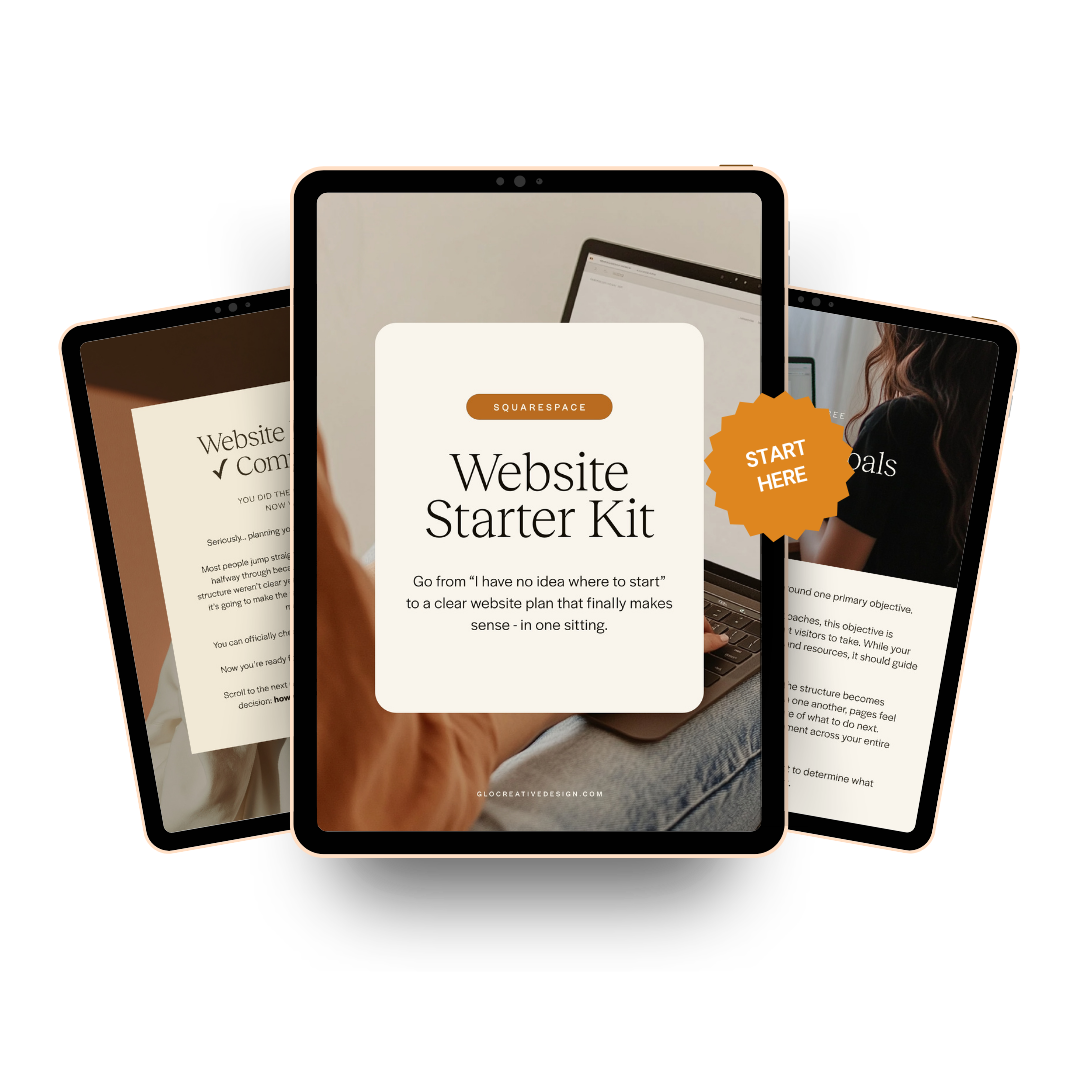
The Starter Kit is for you if:
You're a coach or service provider DIYing your own website- and you have no idea how to start or where to begin.
You wish you just had a roadmap that could tell you step-by-step exactly what your website needs.
You have no idea what you need to include on your website (or what you don’t need to include, and wish someone could just tell you.
You keep telling yourself you'll start "once you have more time" - but really, you just need to know what the first step is.
If you're nodding along, then it’s time to stop guessing. Let me give you the Starter Kit instead.
What’s Inside the Website Starter Kit
This is a 6-part, fill-in-the-blanks workbook with real prompts, questions, and examples helping you go from “I have no idea how to start my website”, to making a clear plan that gives you the confidence to know exactly what your website needs and how to get started.
You'll walk through:
01 / Your Ideal Client
(& why your site won’t convert without one)
You can't write a website for "everyone." This gets you specific on exactly who your ideal client is and who you're talking to, so every word and design choice afterward feels intentional and aligned.
02 / Your Website Goal
(& why you can’t start a site without one)
Most websites fail for one reason: nobody decided what the site was actually for. Before you touch a single font, you'll lock in the one action you want visitors to take - so you don't end up with five competing buttons and a beautiful site that converts no one.
03 / Your Offers
(& why they need to be crystal clear before you start your site)
If you can't explain your offer in one sentence, neither can your website - and that's why so many wellness sites feel vague. This gets you crystal clear before you write a single word of sales copy, so your site says what you actually do (and what it costs to work with you)
04 / Your Site Pages
(& why you probably need fewer than you think)
No more opening Squarespace and guessing whether you need a Services page, or a Sales page. You'll walk away knowing exactly which pages your site needs - and which ones you can skip.
05 / Colors & Fonts
(& how to choose the right combos for your brand)
Turns "I'll know it when I see it" into an actual decision. You'll leave with your palette and fonts locked in, so you're not still fiddling with the color picker three hours into building.
06 / Site Imagery
(& how to find stock images that actually look like a brand photoshoot)
Stock photos that feel like you, not like a cold and clinical stock library. This shows you what to look for (and what to avoid) so your site doesn't look like everyone else's.
“Anywhere I’d been feeling indecisive or wondering, ‘Am I doing this backwards?’ now feels so much more intentional. It really affirmed that I’m setting myself up for success.”
-Sam M.

I'm Jamie- founder of Glo Design Studio, former IIN-certified health coach, and the web designer who already speaks your language.
Back in 2014, I tried to build my own health coaching website with zero idea what I was doing - what pages I needed, what to say, what came first. I was completely overwhelmed with no clear path. That website never launched. I eventually walked away from the business because of it.
Ten years later, I now run a multi six-figure web design studio helping health and wellness coaches launch sites that actually work. Over 100 websites in, I've learned the women who get stuck aren't missing skill or drive - they're just missing a clear starting point.
So I built one. The Website Starter Kit is the starting point I wish someone had handed me over a decade ago.