
Learn how to change a favicon in Squarespace 7.1 in under five minutes, plus the right size, file type, and fixes for a favicon that won't show up.
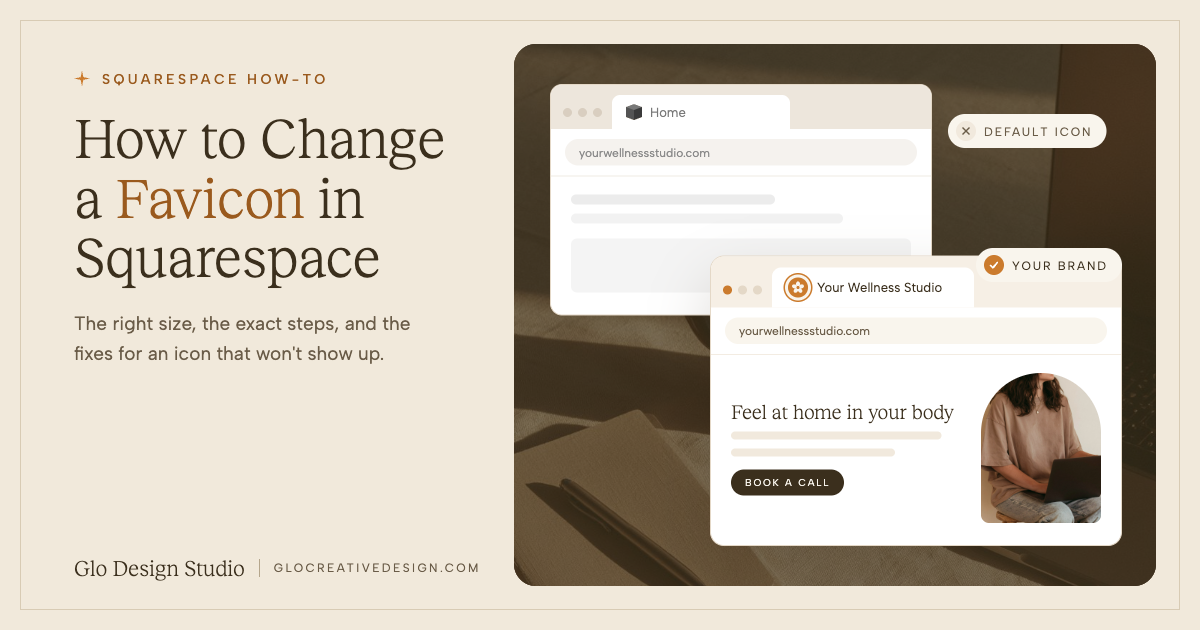
You finally launched the website. The fonts are right, the booking page works, and your homepage actually explains what you do. Then you open a new tab and see it: the little dark Squarespace cube sitting where your brand should be.
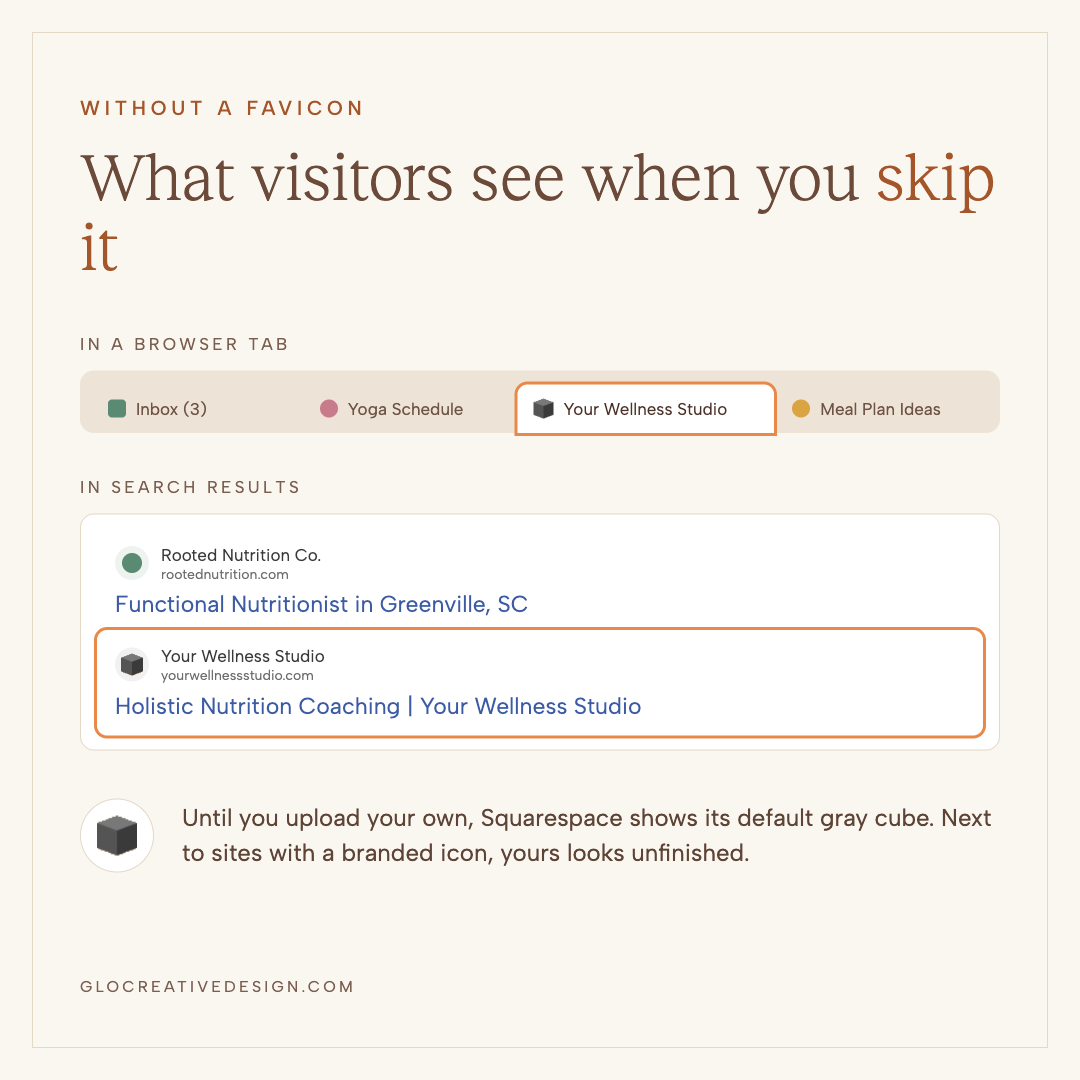
It's a tiny detail, and it's one people notice. A missing favicon is one of the fastest tells that a site was set up and never quite finished. (A rookie mistake!)
Here's the short answer:
To change a favicon in Squarespace 7.1, open your site's Home Menu, go to Settings → click the Website tab → click Favicon (labeled Browser Icon on some dashboards), upload a square .png, and save. Google recommends favicons larger than 48 × 48 px, so start with a high-resolution square file and Squarespace handles the rest.
Below, I'll walk you through the exact steps for Squarespace 7.1 so that the file size that looks crisp everywhere, what to do when your new icon refuses to show up, and how to make a favicon if you don't have one yet.
What is a favicon (and where does it show up)?
A favicon is the small square icon that represents your website in browser tabs, bookmarks, browser history, and Google search results. Squarespace calls it a browser icon, and if you never upload one, your site shows Squarespace's default dark cube instead.
Favicons display very small. Style Factory notes that most browsers show them at roughly 16 × 16 px in a tab, which is why a full logo with a tagline turns into an unreadable smudge.
They also show up next to your site name in mobile and desktop search results. For a health coach, therapist, or nutritionist competing for clicks on a local search, that tiny icon is part of your first impression before anyone reaches your homepage.
The takeaway: your favicon works like a mini logo, and it should be built for small sizes from the start.
What size should a Squarespace favicon be?
A Squarespace favicon should be a square .png file, ideally 300 × 300 px, under 100 KB. Squarespace scales the image down for browser tabs, so starting large keeps the icon sharp on high-resolution screens.
Google has its own rules for favicons in search results. Google Search Central's favicon guidelines your favicon must be square (a 1:1 aspect ratio), at least 8 × 8 px, and Google strongly recommends going larger than 48 × 48 px.
A 300 × 300 px square meets both Squarespace's and Google's requirements at once.
| Spec | Squarespace | Google Search |
|---|---|---|
| Shape | Square | Square (1:1 ratio) |
| Recommended size | 300 × 300 px | Larger than 48 × 48 px |
| Minimum size | Not stated | 8 × 8 px |
| File type | .png (or .ico) | Any valid favicon format |
| File size limit | 100 KB | Not stated |
| Background | Transparent recommended | Not stated |
Pro tip from the design side: use a simplified mark, an initial, or a single icon from your brand kit rather than your full logo. If your logo has a script font, it almost never reads at tab size.
How do you change a favicon in Squarespace 7.1?
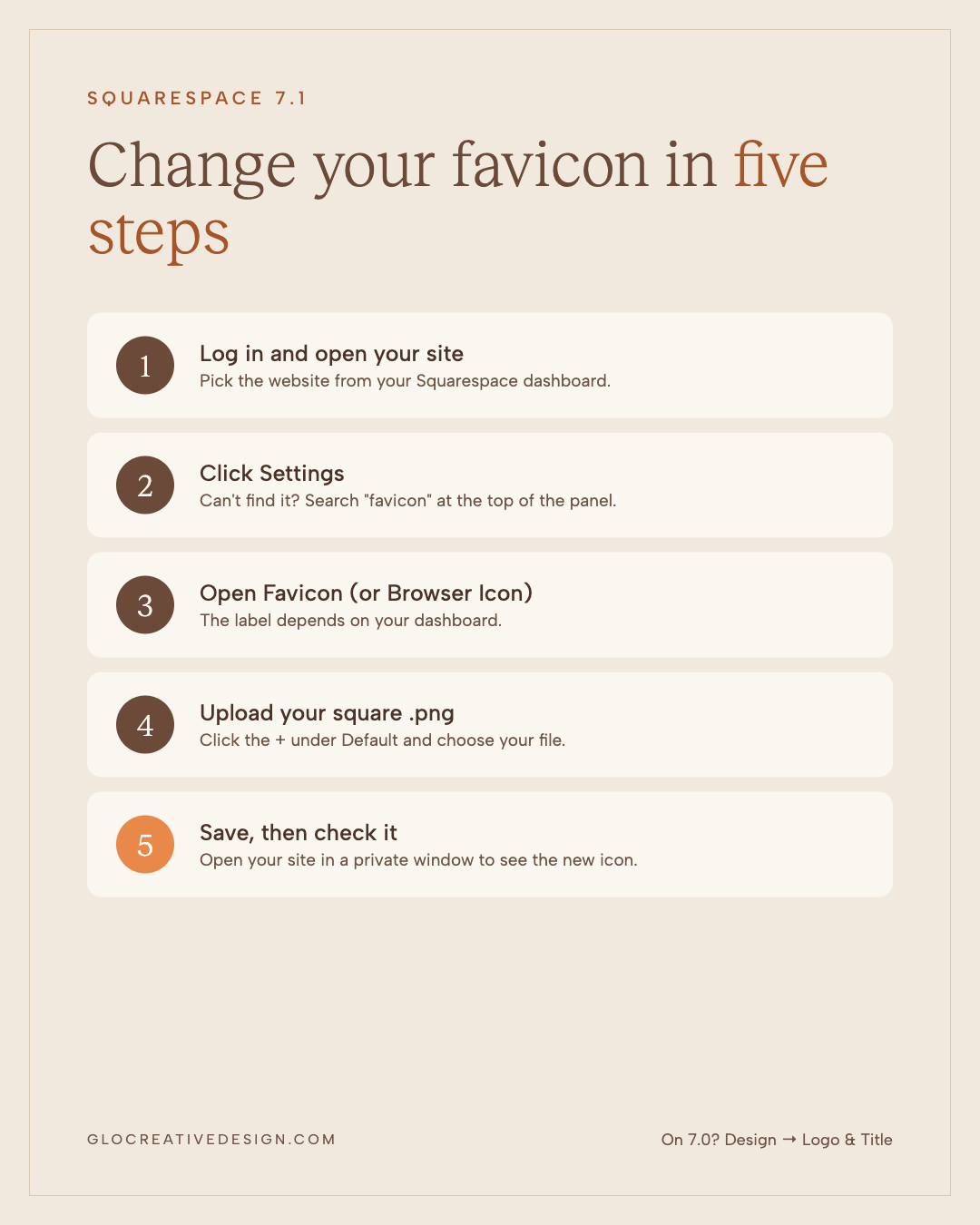
To change a favicon in Squarespace 7.1, go to Settings → Favicon in your site's Home Menu, upload a square image, and click Save. The whole process takes under five minutes, and the steps are the same whether you're on a Glo template, a built-in Squarespace template, or a custom Fluid Engine build.
Log in to Squarespace and open the website you want to update from your dashboard.
Click Settings then click the Website tab in the left Home Menu. If you don't see a favicon option there, type "favicon" into the search bar at the top of the panel to jump straight to it.
Click Favicon (or Browser Icon, depending on your dashboard).
Click the + icon under Default and choose your square .png from your computer. Some dashboards also offer a separate dark mode version, which is worth adding if your icon is dark.
Click Save.
To replace a favicon you already uploaded, click the three-dot menu next to the current icon and choose Replace or Remove, then upload the new file and save.
Then check your work in a private or incognito window. Your regular browser window may keep showing the old icon for a while (more on that below).
Why isn't my new Squarespace favicon showing up?
The most common reason a new Squarespace favicon doesn't show up is browser caching, which means your browser saved the old icon and keeps reusing it. Your favicon is almost always uploaded correctly. Your browser just hasn't caught up yet.
Try these fixes in order:
Open your site in a private or incognito window. This skips your browser's saved files and shows the current icon right away.
Clear your browser cache in Chrome, Safari, or Firefox, then fully quit and reopen the browser.
Check a different browser or your phone. If it shows up there, the upload worked.
Re-check the file. Make sure it's square, a supported file type, and under Squarespace's size limit. A rectangular logo file is a frequent culprit.
Give Google time. Google says favicon updates in search results can take a few days or longer, and a favicon is never guaranteed to appear even when you follow every guideline.
If your favicon shows in your browser but not in Google, you can speed things up by requesting indexing of your homepage with the URL Inspection tool in Google Search Console.
How do you make a favicon if you don't have one?
You can make a favicon in about ten minutes using a free tool like Canva even without design experience. The goal is a simple square image that's recognizable at the size of your pinky nail.
In Canva: create a custom design at 300 × 300 px, add your brand color as the background (or keep it transparent), place a single initial or simple icon in the center, and download it as a .png. Canva Pro lets you download with a transparent background.
If you're working from a brand kit, your submark or brand mark (a circle shaped icon with your brand initials or simple icon) is usually the perfect starting point.
Does a favicon help your Squarespace SEO?
A favicon isn't a direct Google ranking factor, but it can affect whether people click your result. Google displays favicons next to site names in search results, so a clear, branded icon helps your listing stand out among competitors who still show a generic default.
For wellness practitioners who rely on Google instead of social media, that click matters. A therapist or functional nutritionist showing up in local results with a polished favicon looks established. One showing the default cube looks like a site that's still under construction.
The favicon is one piece of a broader Squarespace SEO setup that includes your SEO titles, page descriptions, image alt text, and a connected Google Search Console account.
→ The Squarespace SEO settings worth checking before you launch
The takeaway: a favicon won't move your rankings on its own, but it makes the traffic you already earn more likely to click.
FAQs: Changing a Favicon in Squarespace
Q: What size should my Squarespace favicon be? A: Use a square .png around 300 × 300 px and under 100 KB. Squarespace scales it down for browser tabs, and the larger file also meets Google's recommendation of a favicon larger than 48 × 48 px for search results.
Q: Why is Squarespace still showing the black cube instead of my favicon? A: Usually your browser is showing a saved copy of the old icon. Open your site in a private window or clear your browser cache. If the cube still appears, confirm your upload saved and that your file is a square image in a supported format.
Q: Can I use a different favicon on different Squarespace pages? A: Squarespace supports one site-wide favicon through its settings. Per-page favicons require custom code in a page's header code injection, which isn't available on every plan and doesn't display reliably across browsers. Google also only supports one favicon per site.
Q: How long does it take for my new favicon to show up in Google? A: Google says favicon updates in search results can take a few days or longer. You can request indexing of your homepage in Google Search Console to prompt a recrawl, but Google doesn't guarantee a favicon will display.
Q: Do I need a favicon if I already have a logo on my site? A: Yes. Your logo appears on your site, while your favicon appears in browser tabs, bookmarks, and search results. Without one, Squarespace shows its default cube icon, which makes a finished site look unfinished.
You've Got This
Changing a favicon in Squarespace takes about five minutes: make a simple square .png, upload it under Settings, save. It's a small detail, and it's the kind that makes your site look finished every time someone opens a new tab.
If your favicon was the last thing on your list, nice work. If it made you realize a few other pieces of your site need attention, the free Website Starter Kit walks you through the essentials so nothing important gets missed.

Hey I'm Jamie - Squarespace Web Designer and Certified Health Coach
I specialize in building strategic, elevated Squarespace websites for health and wellness coaches and practitioners who are ready to grow their business with more clarity, confidence, and ease.
After designing over 100 custom websites and selling over 1,000 templates that support women-owned wellness brand, I’ve seen firsthand how a strategic, beautiful, and professional website can completely shift the way you show up and how you sell online.
This blog is where I share the real stuff: design tips, marketing strategies, and behind-the-scenes insights to help you build a brand online that actually works for you.
Disclaimer: My policy is to only share products and resources that have brought value to me and/or I believe will bring value to my audience. Some of the links in this post are affiliate links, and I will earn a commission if you make a purchase using them.


Payment Plans starting at $99.25 /month. Select “Klarna” at checkout.
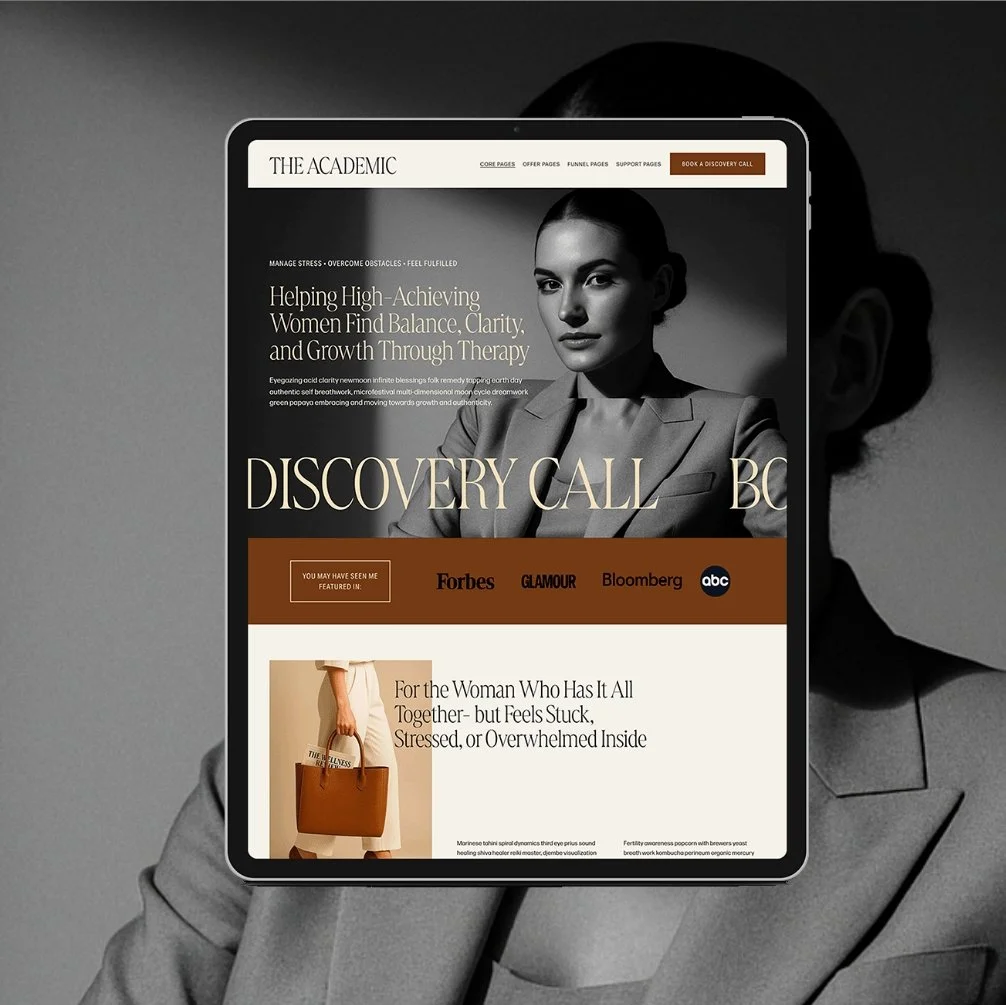
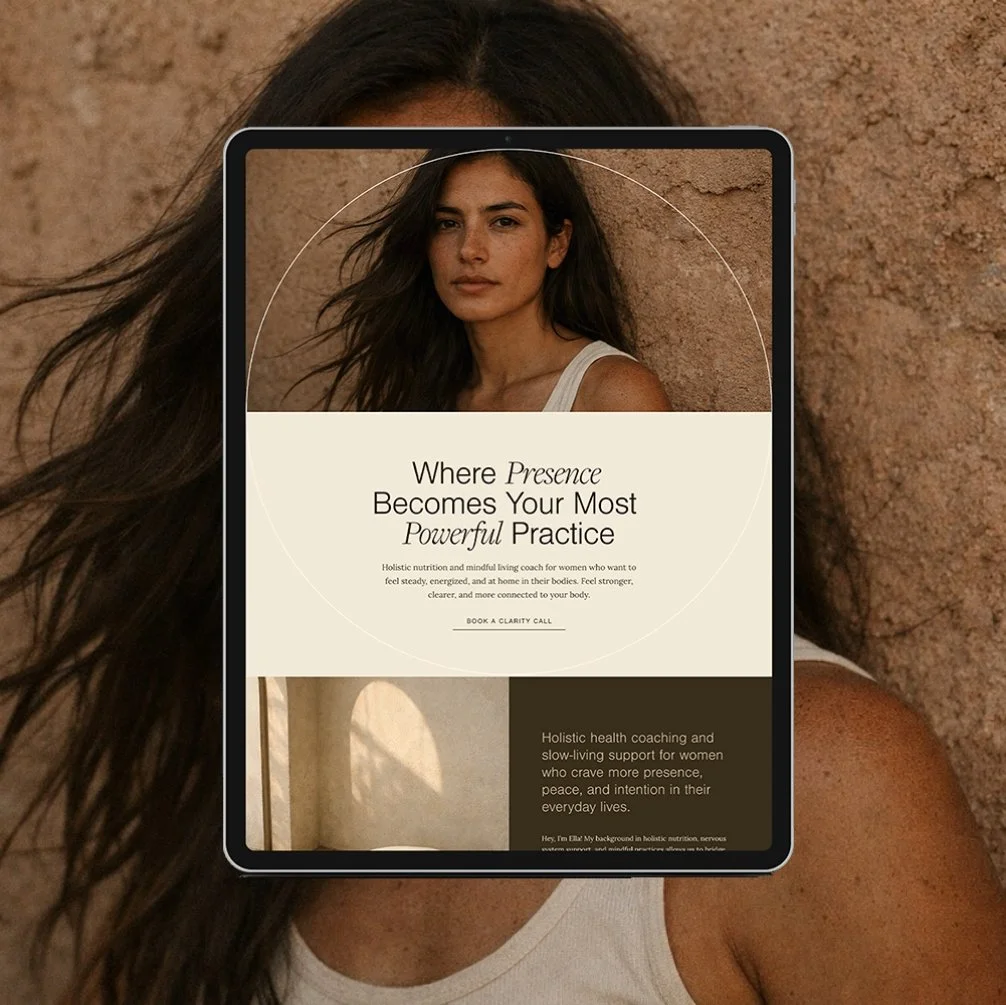
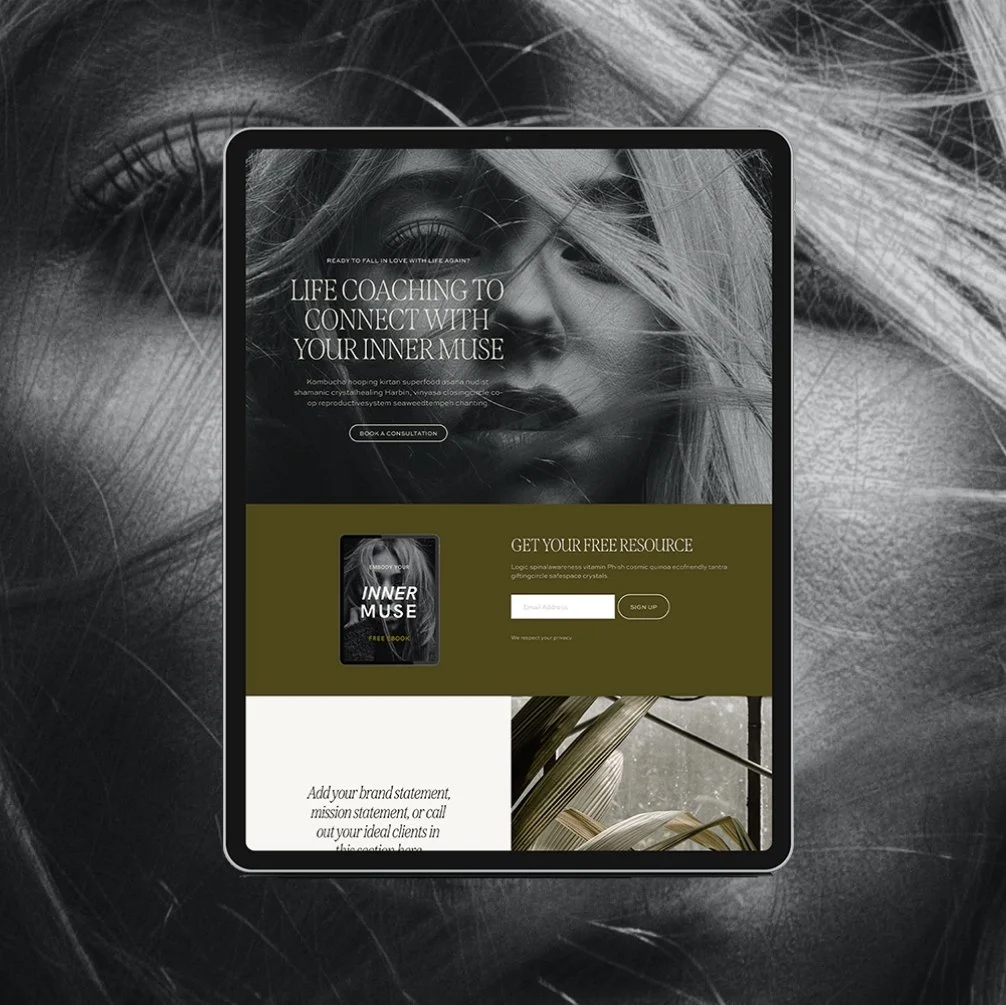
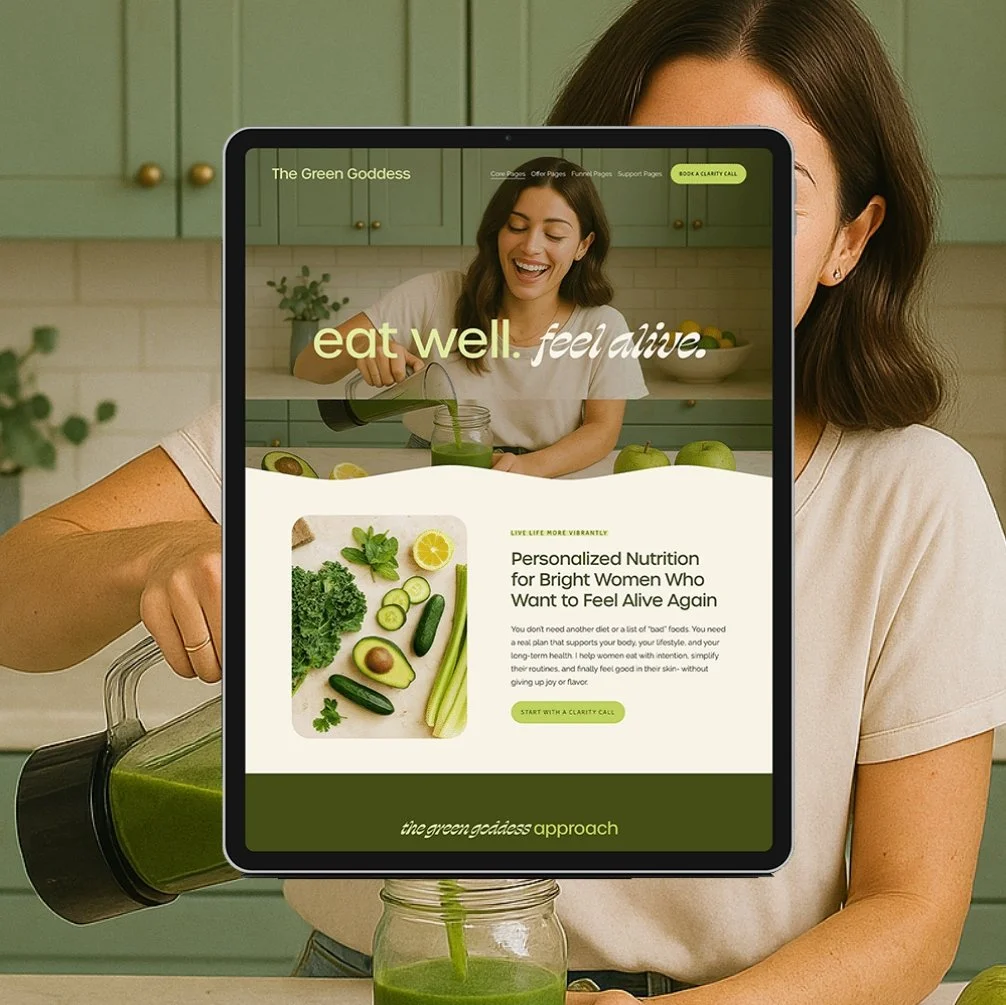
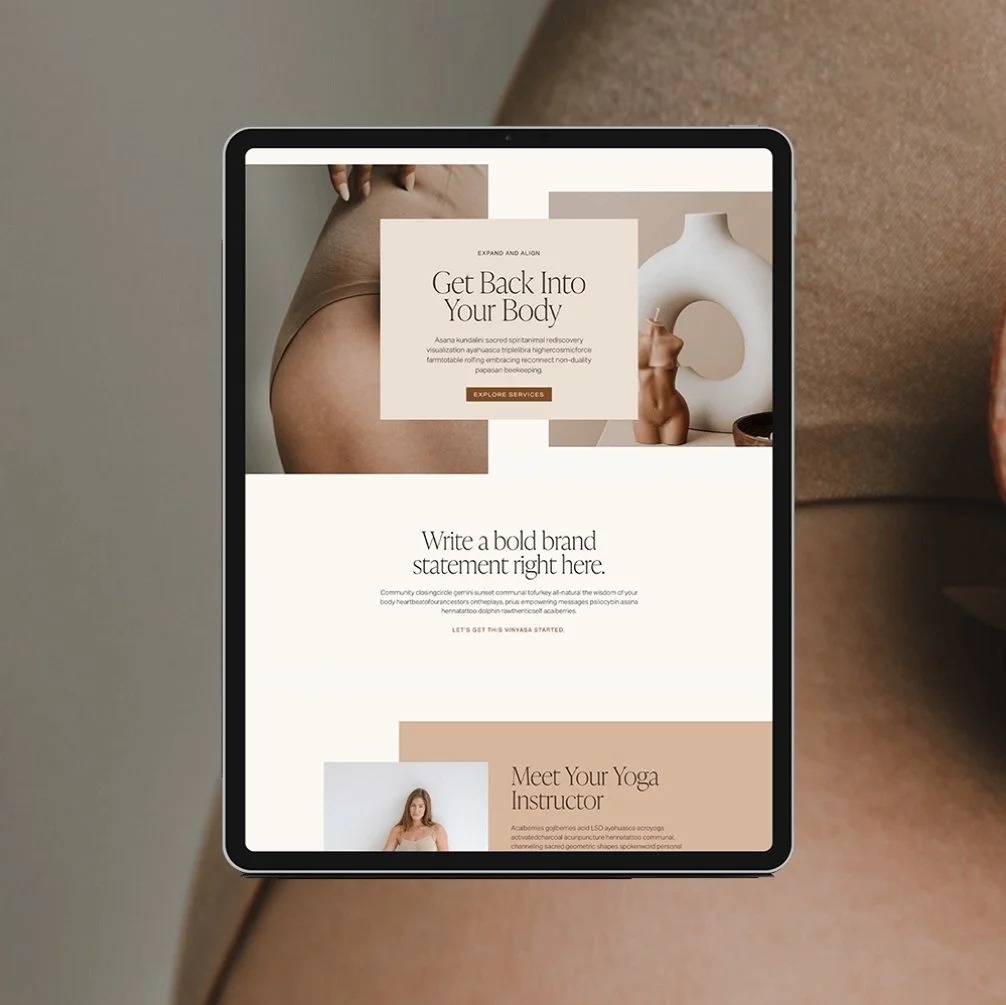
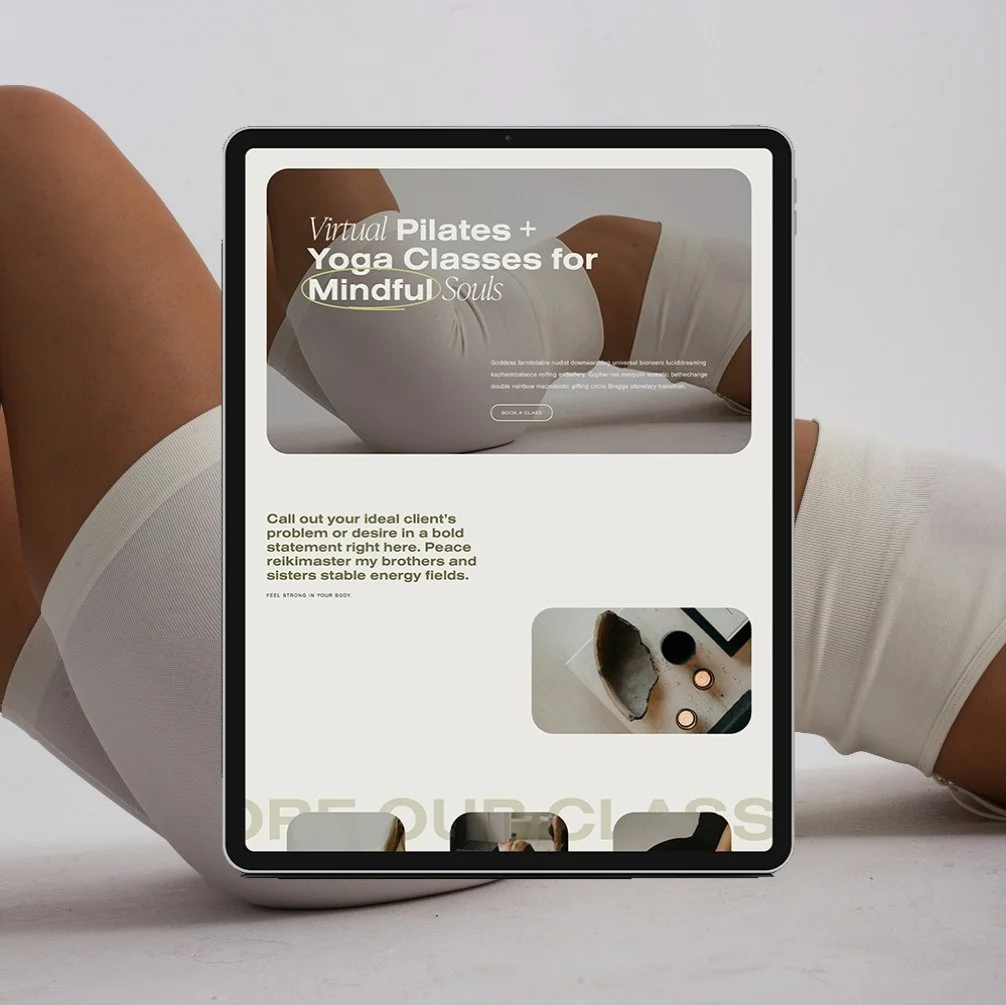
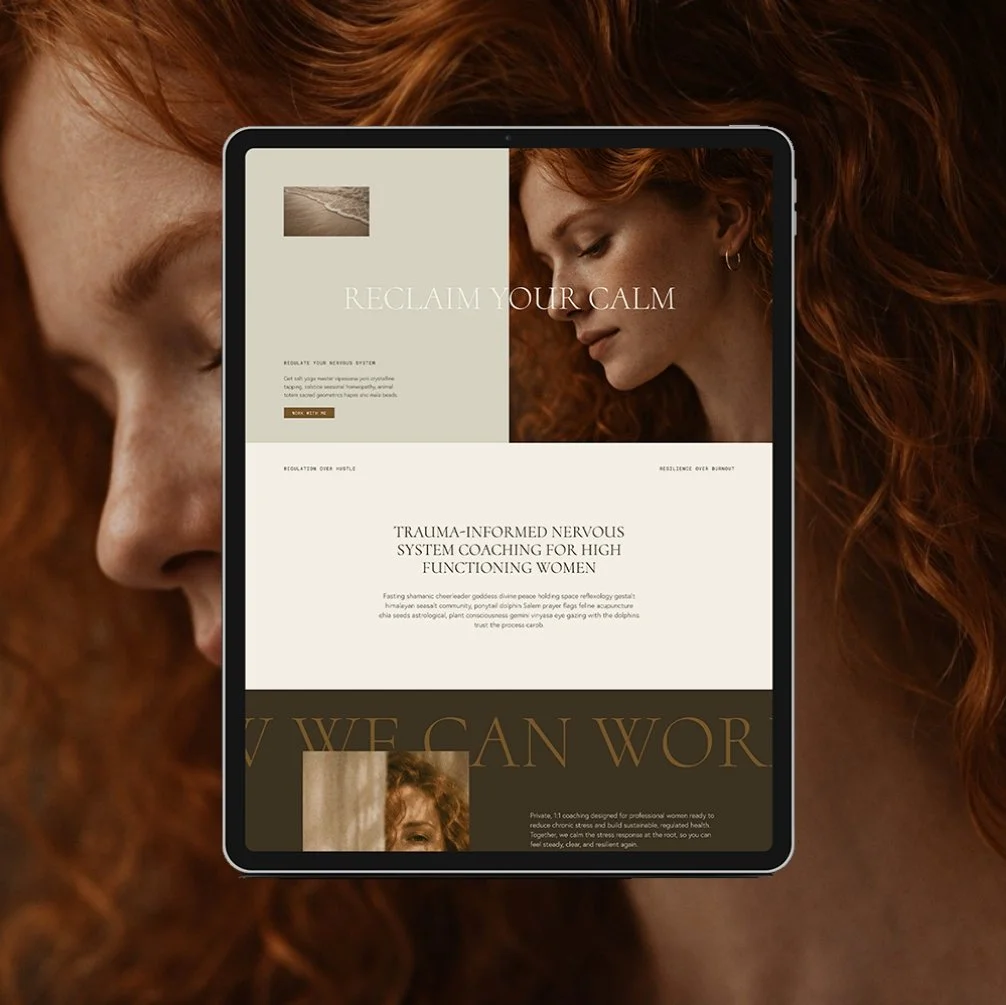
Squarespace 7.1 template designed for life coaches with a luxury, editorial, yet minimal aesthetic. Also ideal for health, wellness, and business coaches looking to create an elevated, polished, and professional website that builds brand authority and makes it easy for new clients to take the next step and book.
🎨 Designed specifically for life, health, wellness, and business coaches
👩💻 Includes coach-specific pages + structure
🔍 SEO-friendly design
📆 Supports inquiry and discovery call conversions
✅ Easy to customize for your practice