
Practice Better + Squarespace: The Complete Setup Guide
What is Practice Better, who it's for, and exactly how to connect it to your Squarespace site - plus how it compares to Acuity, Calendly & Honeybook.

If you've landed on Practice Better as your scheduling and client-management system, good instinct. It's one of the few platforms actually built specifically for health and wellness practitioners. But here's where most people get stuck: they pick the software, then realize nobody's told them how it actually talks to their Squarespace site.
Short answer: it connects cleanly- you don’t even need to use a plug-in or code if you don’t want to (and I’m going to show you how!).
Here's everything else you need - what Practice Better actually is, who it's built for, what's included at each plan, exactly how to connect it to Squarespace, and how it stacks up against Acuity, Calendly, and Honeybook if you're still deciding.
What Is Practice Better?
Practice Better is a practice-management and EHR platform built specifically for health and wellness practitioners - not just a general scheduler. Think scheduling, HIPAA-compliant telehealth, client charting, billing, and a branded client portal, all living in one system instead of five separate subscriptions.
It's used by dietitians, nutritionists, health coaches, naturopaths, functional medicine practitioners, and a fair number of therapists running coaching-style practices. The distinction that actually matters is that Practice Better is built for ongoing client relationships (like Honeybook) - programs, protocols, recurring check-ins - not one-off appointment booking (like Calendly or Acuity).
Who Practice Better Is Best For
Health Coaches
If you're running group programs, selling packages, or tracking client engagement over months instead of single sessions, this is where Practice Better earns its keep. Programs, habit tracking, and secure messaging all live inside the same client record.
If you're building or rebuilding your site for your coaching practice, a website template built specifically for health and wellness coaches handles the structure decisions for you!
Dietitians and Nutritionists
This is Practice Better's home turf. Client charting, protocols, and integrations with food-and-supplement tools like Fullscript and That Clean Life mean you can build out a full nutrition practice without duct-taping four apps together.
Therapists
It works - and works well for coaching-style therapy practices - but it wasn't built primarily for insurance-heavy clinical billing. If you're submitting claims constantly, you'll want to weigh that against something built specifically for behavioral health billing. If your practice runs more like structured coaching with HIPAA-compliant telehealth and secure messaging, Practice Better covers you.
If you're building or rebuilding your site around any of this, a website template built specifically for therapists handles the structure decisions for you — so the tech isn't the only thing you're figuring out at once.
What's Included: Practice Better Features
Every paid plan includes the essentials: scheduling, HIPAA-compliant telehealth, integrated billing and payments, secure messaging, a client portal, and note/form templates. Here's what actually changes as you move up a tier.
Scheduling and booking. Clients self-book through a public page, you keep control of your availability, and reminders go out automatically. Package bookings (multiple sessions sold at once) are included from the Starter plan up.
Telehealth. Built-in, HIPAA-compliant video — no separate Zoom account required for one-on-one sessions. Group sessions open up starting on the Professional plan.
Client charting and protocols. Note templates, form templates, and the ability to build out custom protocols and recommendations for each client — all attached to their record, not floating in a separate doc.
Integrations. Zoom, Google Calendar and Drive, Fullscript, That Clean Life, Rupa Health, Apple Health, Oura, Fitbit, Claim.MD, and Zapier- so it connects to the tools you're probably already using for labs and supplements.
Pricing:
| Plan | Monthly | Annual (per mo) | Clients |
|---|---|---|---|
| Sprout | Free | — | 3 |
| Starter | $35 | $25 | 10 |
| Professional | $69 | $59 | 300 |
| Plus | $99 | $89 | Unlimited |
| Team | $155 | $145 | Unlimited |
Most solo practitioners land on Professional or Plus. There's also a free Sprout plan for students and new practitioners (capped at 3 clients) and a 14-day trial on every paid tier.
How to Connect Practice Better to Your Squarespace Website
You've got two options here, and the right one depends on how seamless you want the handoff to feel.
Option A: Link it (the simple, reliable route)
In Practice Better, grab your public booking link or client portal URL from your account settings.
In Squarespace, add a button - on your homepage, a service page, or in your main navigation - and paste that link as the button's destination. You’ll want to paste this link anywhere you have a primary CTA button saying something like “Book a Discovery Call” or “Book a Session” - just be sure it’s linked to your appropriate call calendar in Practice Better
That's it. The client clicks, leaves your site, lands on your Practice Better booking page. Clean, no technical risk, and it's the right call if you want your HIPAA-sensitive intake forms living entirely on Practice Better.
Option B: Embed it (the more native-feeling route)
If Squarespace you can also embed a booking widget/code directly into a page using a Squarespace Code Block, so the calendar shows up right on your website page instead of sending clients to a Practice Better page.
Open the page where you want the booking calendar to appear.
Add a Code Block from the Squarespace content menu.
Paste the embed code Practice Better provides for your booking page (found in your Practice Better scheduling settings).
Save and preview - the calendar should render directly on the page.
The only issue we come across with this feature is that you can’t always get the Practice Better embedded calendar to match the branding of your website - so if you’re more of an aesthetics person, Option A might be the better fit for you.
Practice Better vs. Acuity, Calendly, and Honeybook
If you're still comparing options, here's where the four actually differ - verified directly from each platform's own pricing page.
| Platform | Starting price | Built for | HIPAA compliant |
|---|---|---|---|
| Practice Better | $25–35/mo | Health & wellness practice management | Yes, every paid plan |
| Acuity Scheduling | $16–20/mo | General appointment scheduling | Top tier only |
| Calendly | Free–$10/seat/mo | General meeting scheduling | Not offered |
| Honeybook | $29/mo | Client CRM, proposals & invoicing | Not offered |
Practice Better vs. Acuity. Acuity is cheaper and its Squarespace integration is genuinely the smoothest of the bunch - Squarespace owns it, after all. But per Acuity's own pricing page, HIPAA compliance is locked behind its top Premium tier ($49–61/mo), so if compliance matters to your practice, the price gap narrows fast. Acuity also has no client charting or clinical notes - it's scheduling, not practice management.
Practice Better vs. Calendly. Calendly is built for general meeting coordination - sales calls, interviews, one-off consults. Its pricing and feature breakdown don’t include HIPAA compliance. If all you need is a booking link, it's the cheapest option here. If you need charting, protocols, or a client portal, it's not in the running.
Practice Better vs. Honeybook. Honeybook is a full client CRM - proposals, contracts, invoicing, automations - built for service businesses like photographers and event planners, with plans starting at $29/month. It's a genuinely great tool, and used by many coaches. It’s just not aligned for a more clinical practices that needs charting, protocols, and a HIPAA framework. If you're curious what a Honeybook-run client experience actually looks like day to day, this breakdown of a Honeybook booking workflow walks through it.
The short version: Practice Better is the only one of the four built HIPAA-compliant by default, and it's the only one with actual clinical tools - charting, protocols, programs. The other three are excellent at what they do. They're just not doing the same job.
FAQs: Practice Better and Squarespace
Q: What is Practice Better used for?
A: Practice Better is practice-management software for health and wellness professionals — scheduling, HIPAA-compliant telehealth, client charting, billing, and programs, all in one platform built for dietitians, health coaches, and similar practices.
Q: Can you embed Practice Better on a Squarespace website?
A: Yes. You can either link out to your Practice Better booking page from a Squarespace button, or embed the booking widget directly on a page using a Code Block — no plugin required either way.
Q: Is Squarespace good for therapists and health coaches?
A: Yes. Squarespace's drag-and-drop editor, built-in scheduling integrations, and wellness-specific templates make it a strong fit for building a credible, professional site without needing a developer.
Q: Is Practice Better HIPAA compliant?
A: Yes, on every paid plan — HIPAA, PIPEDA, and GDPR compliance are built in, not an add-on you have to unlock at a higher tier.
Bringing It All Together
Practice Better handles the clinical and client-management side of your practice. Squarespace handles the front door. Connecting the two - whether you link out or embed directly - takes minutes once you know which button to click.
If your website itself still needs work before any of this matters, that's usually the bigger project. The free Website Starter Kit is a good place to start if you're not sure your site is set up to support bookings, intake, or a client portal link in the first place.
If you liked this you might also like:

Hey I'm Jamie - Squarespace Web Designer and Certified Health Coach
I specialize in building strategic, elevated Squarespace websites for health and wellness coaches and practitioners who are ready to grow their business with more clarity, confidence, and ease.
After designing over 100 custom websites and selling over 1,000 templates that support women-owned wellness brand, I’ve seen firsthand how a strategic, beautiful, and professional website can completely shift the way you show up and how you sell online.
This blog is where I share the real stuff: design tips, marketing strategies, and behind-the-scenes insights to help you build a brand online that actually works for you.
Disclaimer: My policy is to only share products and resources that have brought value to me and/or I believe will bring value to my audience. Some of the links in this post are affiliate links, and I will earn a commission if you make a purchase using them.



Payment Plans starting at $99.25 /month. Select “Klarna” at checkout.
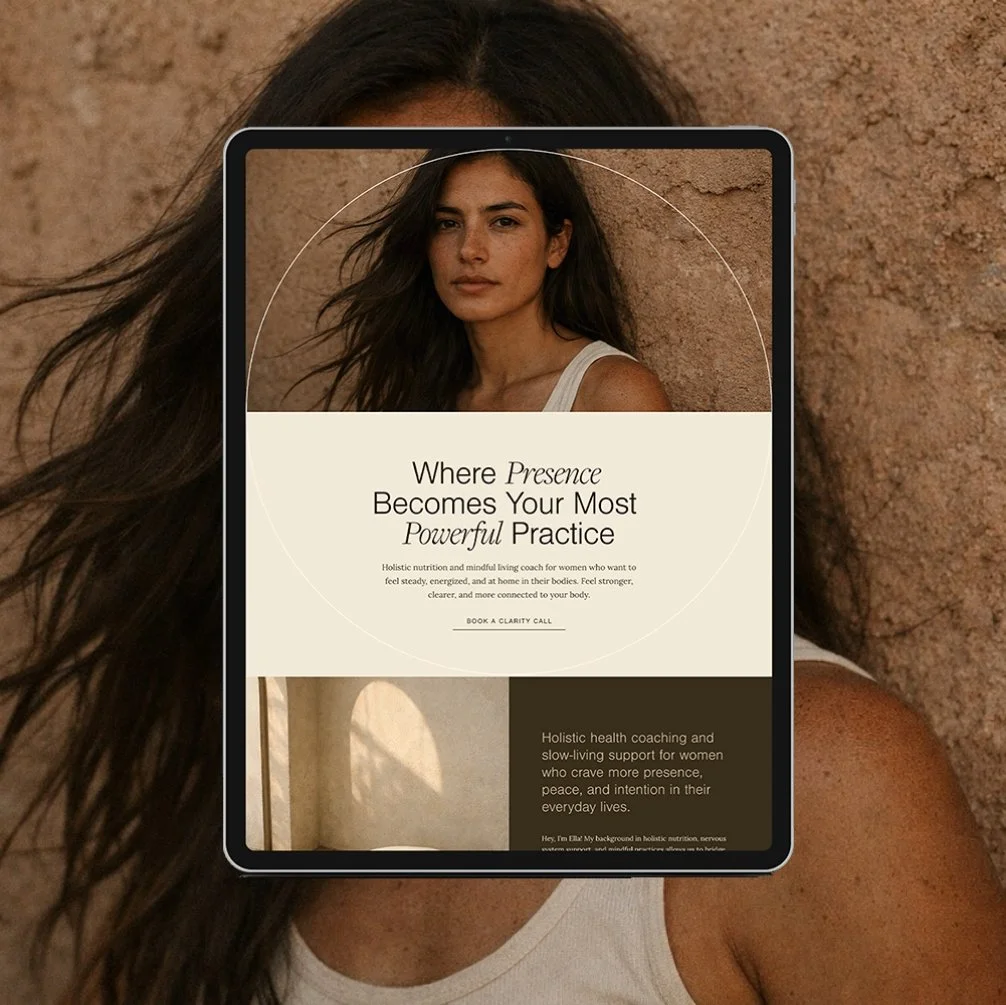
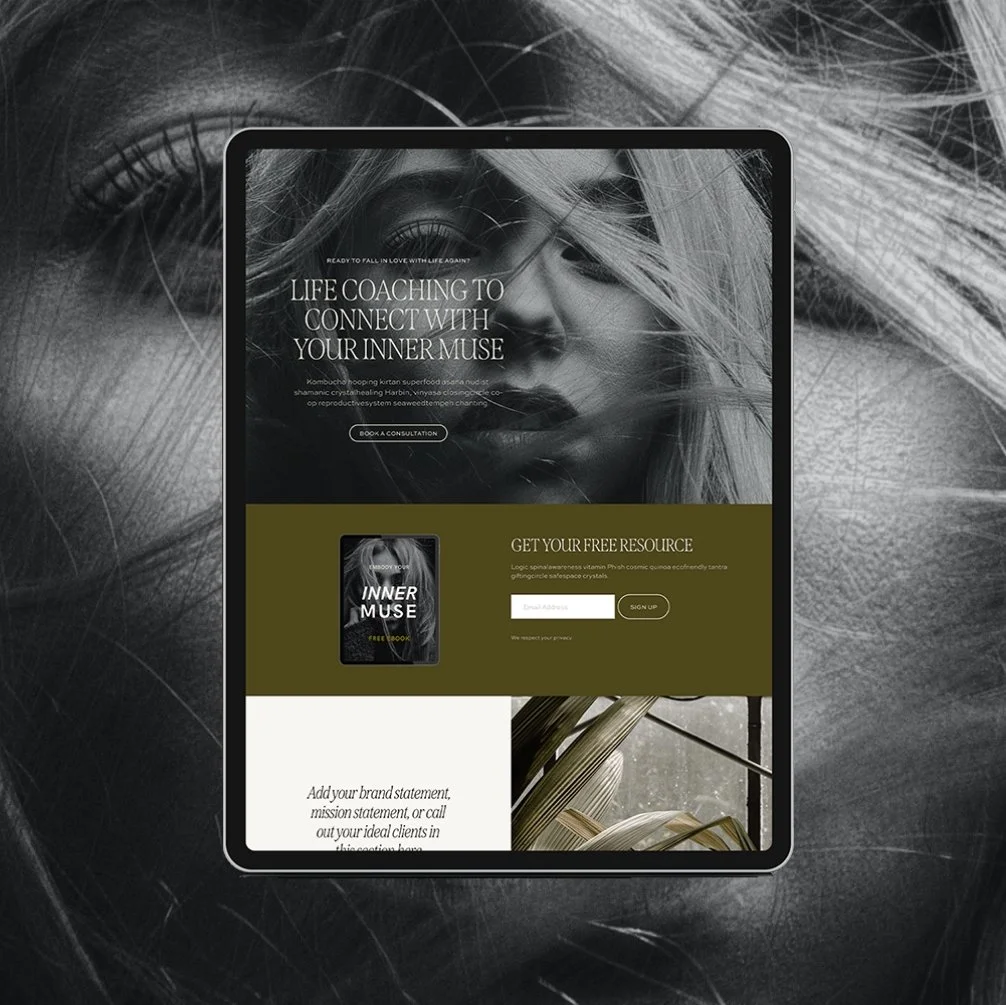
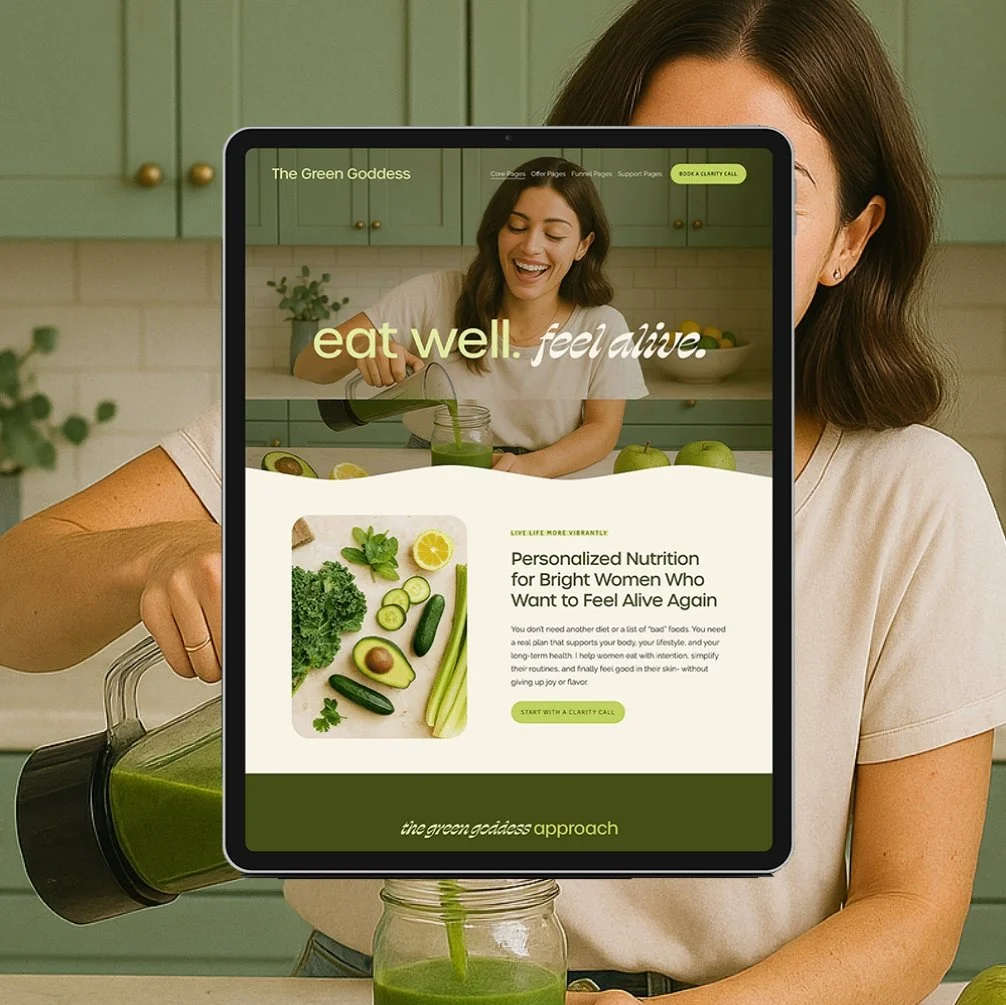
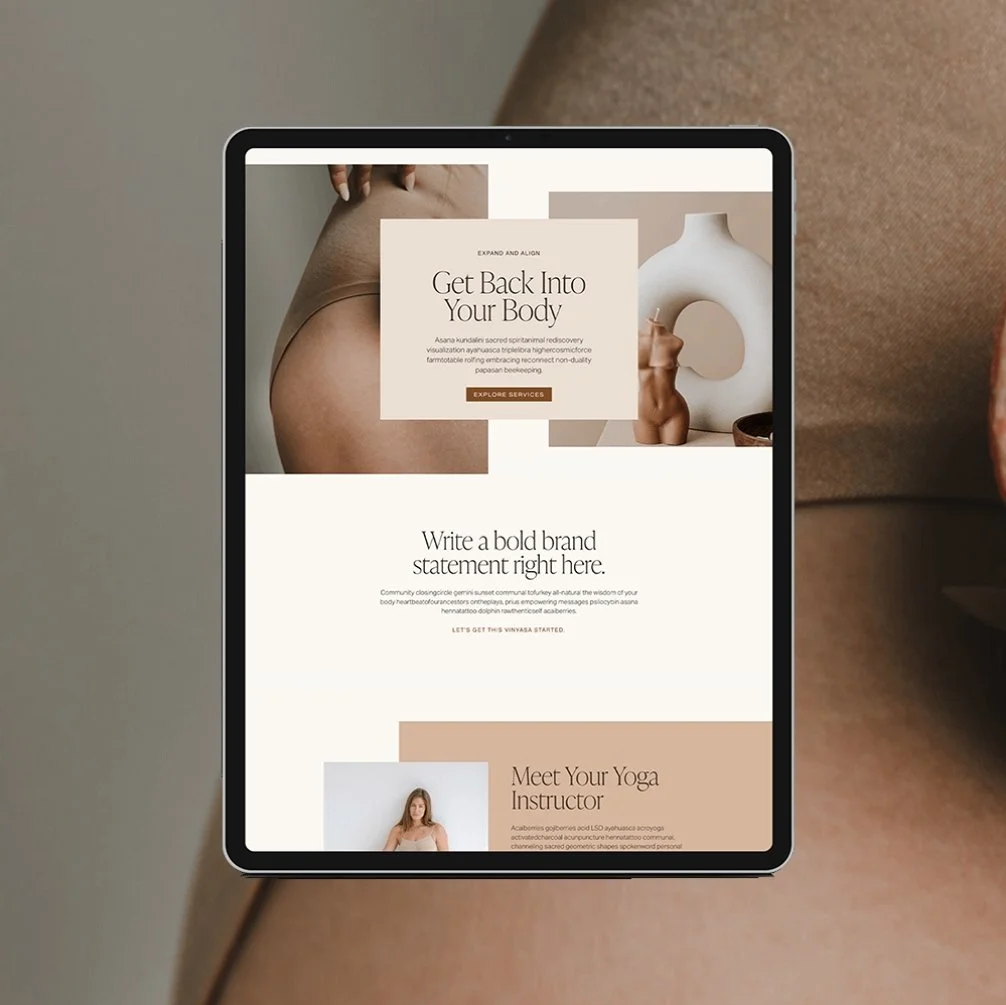
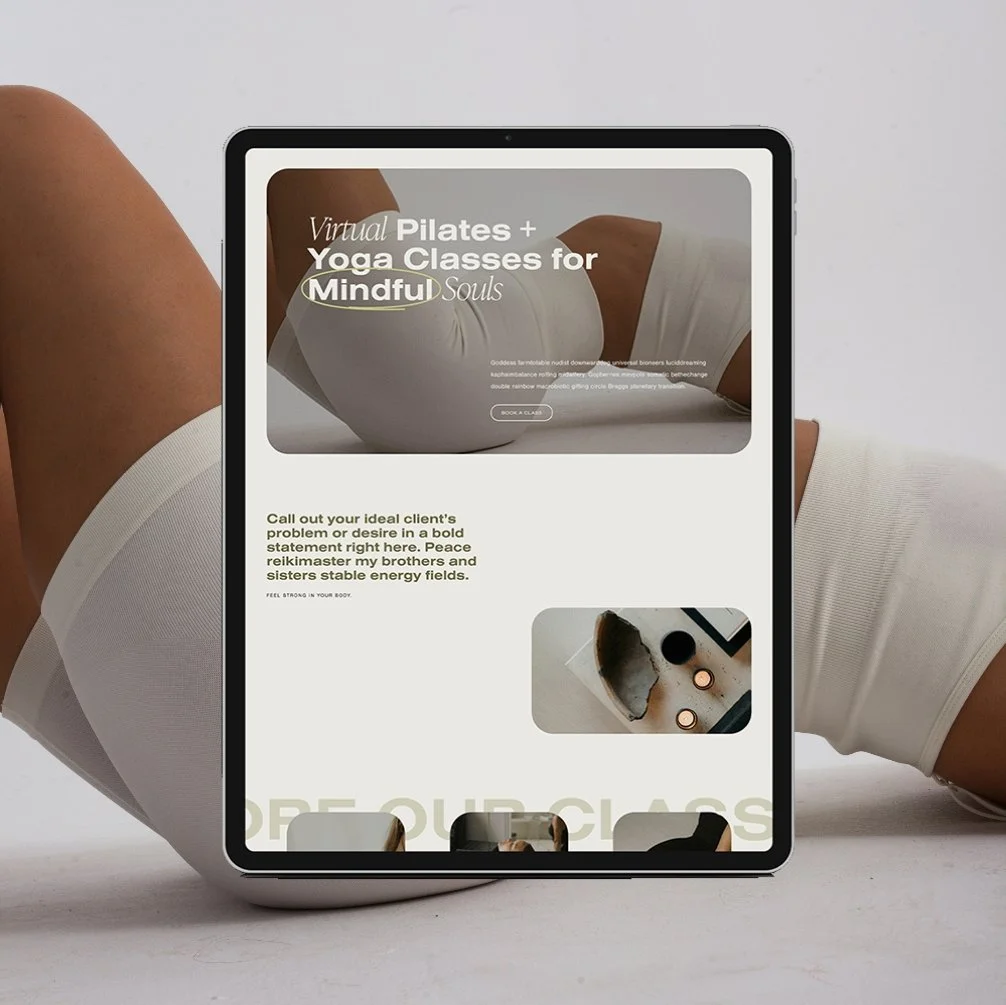
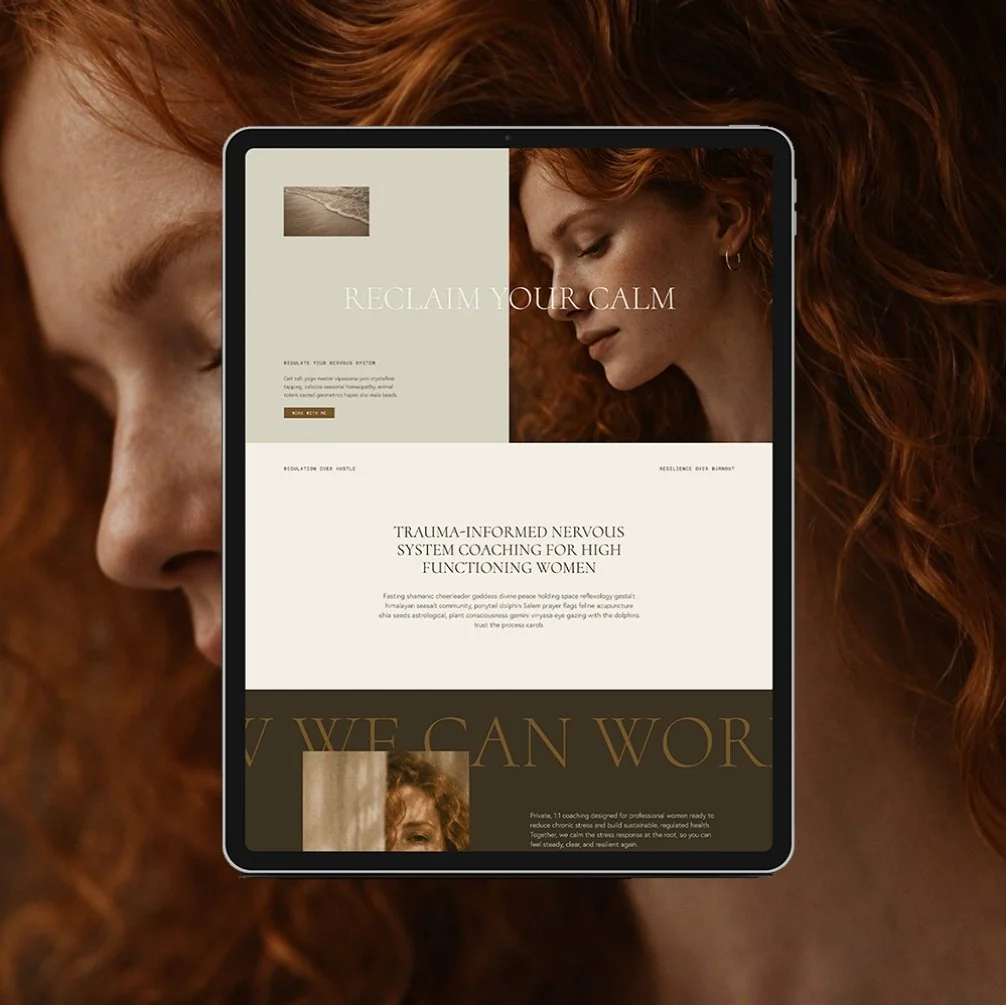
The Maven is a Squarespace template for the coach who has genuinely never lost a hair tie in her life. Matcha in hand, candle lit, somehow never scrambling five minutes before a client call. You know the energy. Now your website has it too.
This isn't another site dressed up to look expensive with nothing to back it up. It's built on an actual insight: you’re not selling matcha and slow mornings. You’re selling the systems that make the matcha and slow mornings possible. Every page is built to sell that - not the vibe, the machine behind the vibe.
🎨 Designed specifically for life, health, wellness, and business coaches
👩💻 Includes coach-specific pages + structure
🔍 SEO-friendly design
📆 Supports inquiry and discovery call conversions
✅ Easy to customize for your practice