
Template vs. Designer: How to Choose the Right Website Path for Your Business

When you’re growing a wellness-based business, one thing becomes clear pretty quickly: your online presence can either support that growth… or stall it.
And somewhere between that realization and actually building a website, most women hit the same roadblock:
“Do I DIY this with a template… or do I hire someone?”
It feels like a big decision - and if you’re already juggling clients, family, life admin, and the mental load of being a business owner… the idea of choosing the wrong website route can feel intimidating.
So instead of moving forward, you stall.
You tell yourself you’ll figure it out “next month.”
You keep making do with the website you’ve outgrown (or no website at all).
And meanwhile… opportunities keep slipping through the cracks.
If this sounds familiar, take a breath.
The decision is so much easier than it feels right now, you just need clarity around what each path actually looks like.
This post walks you through both options in a way that’s simple, honest, and designed to help you feel confident about your next step.
Let’s break it down.
Don’t forget to save this post to Pinterest!
01. What a Website Template Is (and What Working With a Designer Actually Means)
Before we talk pricing or timelines, we need to make sure we’re speaking the same language, especially if this is your first time exploring website options.
What is a Website Template?
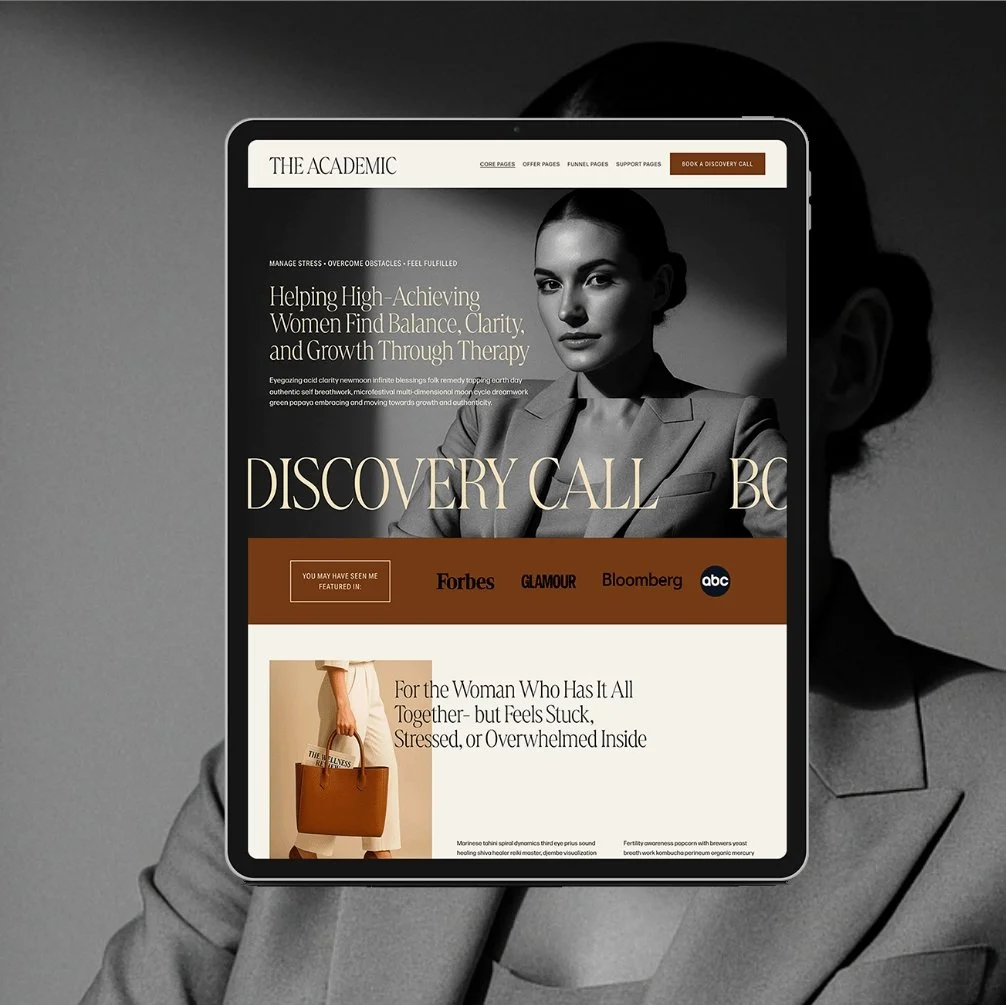
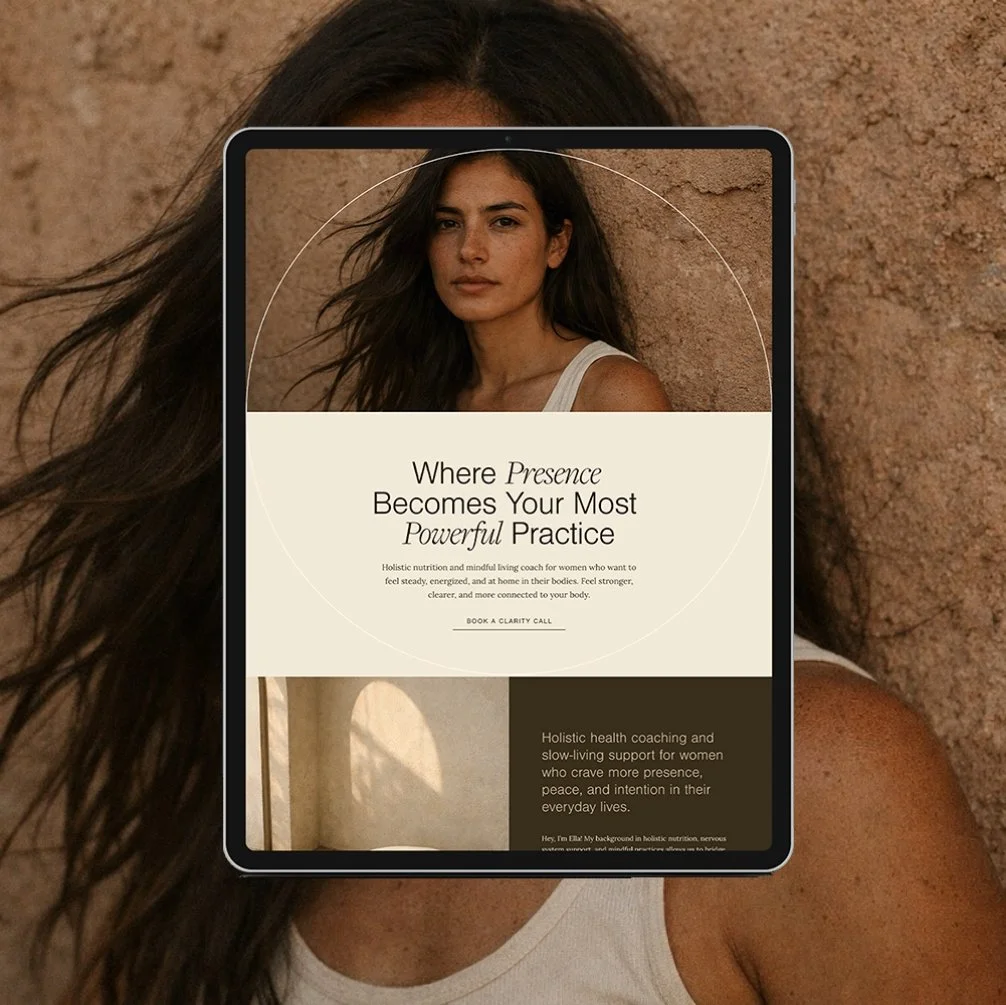
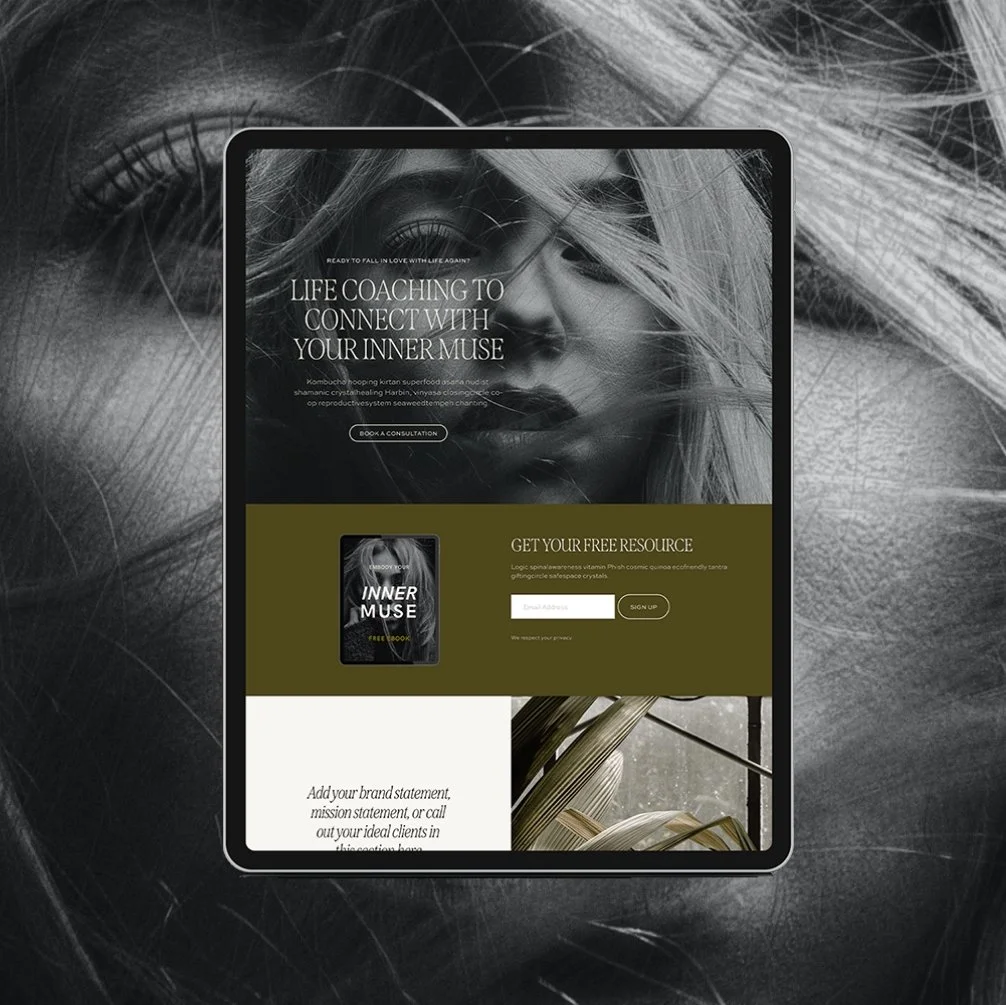
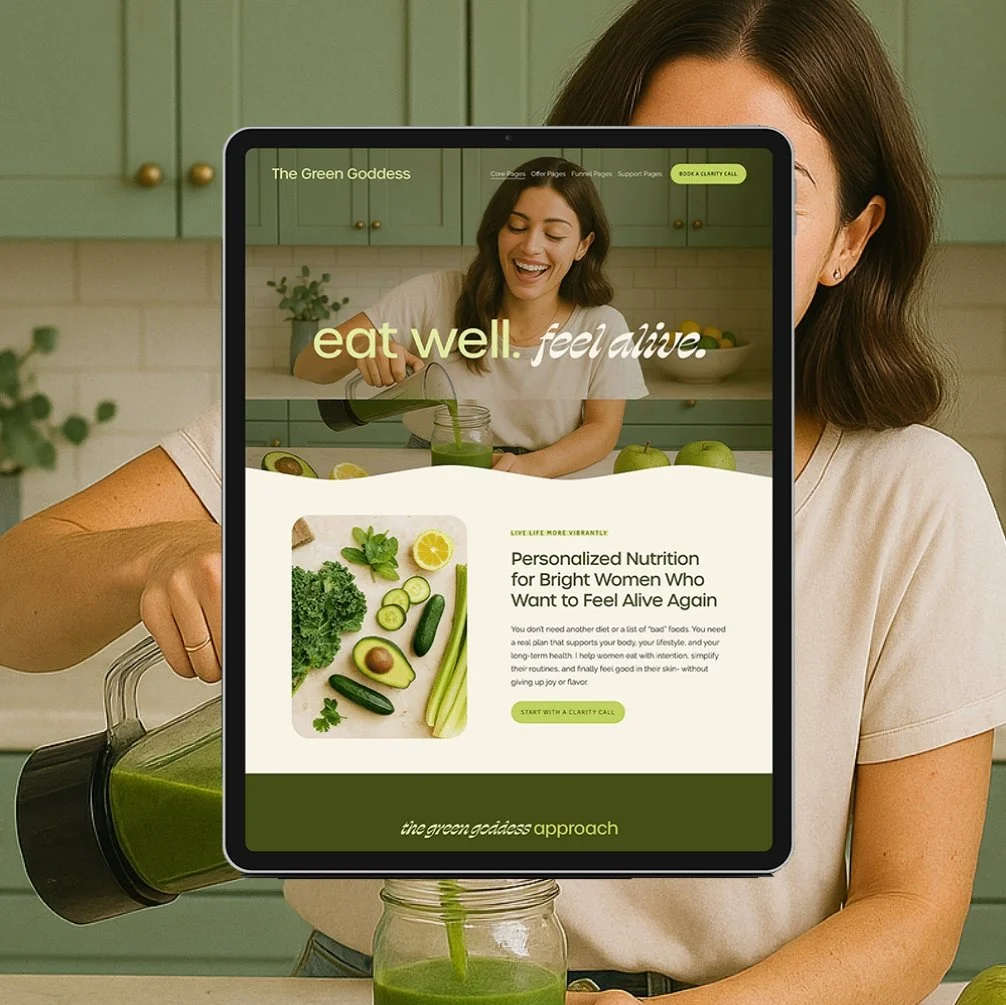
A website template is a pre-designed website you can customize yourself.
Think of it like moving into a beautifully renovated apartment- the structure, layout, and styling are already handled…
you just bring the furniture, add your photos, and make it yours.
You swap in your brand colors and fonts
You drop in your copy (words/text)
You upload your images
And you follow tutorials to make everything fit your brand
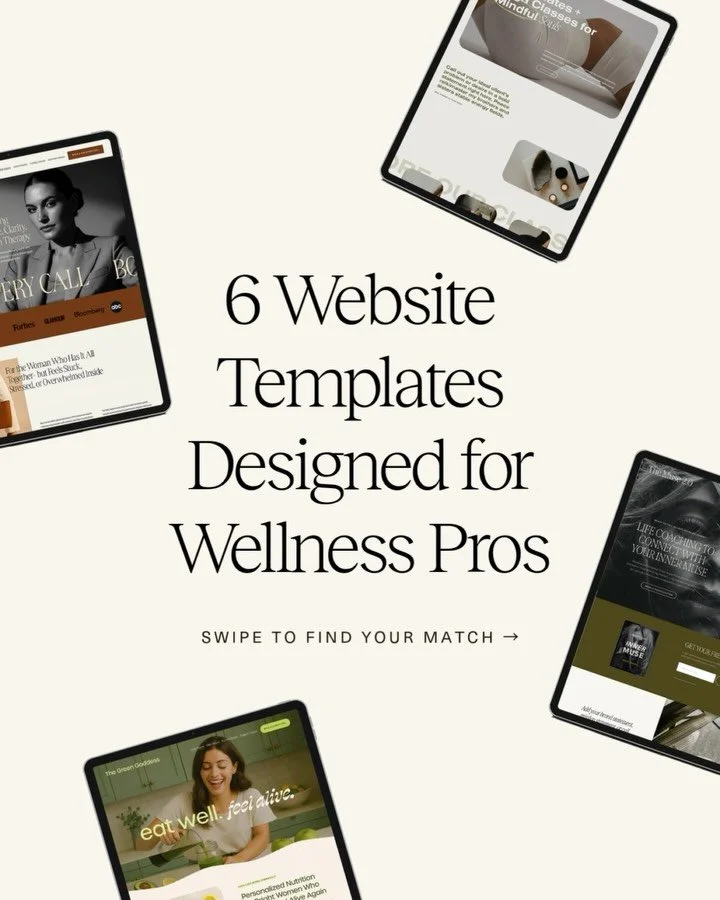
My Squarespace templates are specifically created for wellness professionals, so they’re built with strategy, SEO structure, and conversion pathways already inside. You’re not starting from a blank white screen - you’re starting with a strong foundation.
Templates are DIY… but designed for the non-techy girl who wants to look like she hired a designer.
What “Hiring a Web Designer” Actually Means
When you hire a designer, you’re choosing done-for-you.
This might look like:
Template Customization: I take one of my templates and customize it for you, page by page, using strategy, design expertise, and your brand’s direction.
Custom Website Design: A fully built-from-scratch design created exclusively for your brand (what most people think “custom” means).
The key difference?
With DIY, you’re the one doing the building.
With a designer, I handle it - strategy, design, structure, functionality, SEO setup, and launch support.
If the thought of opening a website editor makes you sigh, cringe, or shut your laptop… the done-for-you path will feel like pure relief.
The Pricing Breakdown: What Each Path Costs (and Why)
Money is often the first filter people use, and for good reason.
Your website is an investment, and your business deserves a path that feels financially aligned and supportive.
Here’s how to think about it:
Squarespace Templates ($300–$600)
Most Squarespace templates fall in this range
You’re paying for the design, structure, tutorials, and support
Low investment, high reward if you’re comfortable DIY-ing
Best for:
The newer business owner who wants something beautiful and strategic but doesn’t quite have the budget for 1:1 work yet.
Website Template Customization ($3,000–$6,000)
This is the sweet middle ground, and where most of my clients land.
Why?
Because you get:
A done-for-you website
A fast turnaround (typically 1–2 weeks)
Professional-level strategy
Less overwhelm
Payment plans that make the investment accessible
You get the beauty of the template plus the polish and expertise of a designer doing the heavy lifting.
Custom Web Design ($6,000–$12,000+)
This is the right path if:
You’ve outgrown the template phase
You’re rebranding at a higher level
You want something ultra-custom
You’re scaling your business and need a high-performing, deeply strategic site
Payment plans make this approachable, but it’s usually a better fit for women already earning $8k–$15k+ months.
Time Commitment: What Each Path Actually Requires From You
This is where a lot of women get stuck - because they underestimate how much time DIY anything takes.
Let’s break down the realities:
With a Template (DIY)
Even though my templates are built to be ridiculously easy… they are still DIY.
You’re responsible for:
Plugging in your copy
Uploading images
Styling your brand colors/fonts
Tweaking layouts
Testing your mobile design
Following tutorials
Hitting publish
Some women finish in a weekend.
Some take a month.
Most fall somewhere in between.
→ If you love the idea of “I can handle this - I just need a plan”… DIY is perfect.
→ If you know you’ll drag this out, procrastinate, or second-guess every decision… done-for-you is probably a better fit.
With a Designer (Done-For-You)
Your primary tasks usually include:
Filling out your prep questionnaire/client homework
Delivering your copy + images (or hiring support - more on that soon)
Reviewing your page designs
Giving feedback
Celebrating launch day
Designers have defined timelines, clear expectations, and structured processes.
You’re no longer trying to be a web designer on your lunch break.
You’re simply collaborating - and your time commitment is dramatically lower.
Ability + Comfort Level: Be Honest With Yourself Here
This might be the real deciding factor.
Some women genuinely enjoy tinkering, building, organizing, customizing, and learning new platforms. Templates are a GREAT path for them - empowering, fun, creative, and fast.
But…
If even the idea of logging into Squarespace raises your cortisol, or you’re the woman who has a million half-finished digital projects sitting in various apps…
DIY may feel like climbing a mountain in flip-flops.
Here’s the truth many people won’t say out loud:
Some women are simply not DIY people, and that is more than okay.
Handing the website over to a pro is:
Calming
Efficient
Time-saving
Confidence-boosting
A strategic business move
Often the thing that helps you launch in weeks, not months
Choosing a designer isn’t “giving up.”
It’s choosing support.
Personality Fit: How You Prefer to Work Matters
Some women love creative control.
Others love clear direction.
Some want collaboration.
Others want a “set it and forget it” experience.
A template gives you:
Total control
Full creative freedom
The ability to tweak things whenever you want
Working with a designer gives you:
Expert eyes
Professional strategy
A partner in the process
Someone who sees what you don’t
Neither is right or wrong, it’s simply about how YOU like to work.
Confidence Level: How Much Second-Guessing Do You Do?
Be honest with yourself here.
With a template, you’ll make a lot of micro-decisions:
Which photo goes where
How long the copy should be
What to say in your hero section
How to structure your services
What to include on each page
If you’re someone who spirals into “I don’t know if this looks right,”
or “Does this even make sense?”
or “Why does it look good in my head but not on the screen?”…
Working with a designer is going to feel like a massive exhale.
ROI + Long-Term Strategy: What You Need Your Website to Do For You
If you’re simply trying to get a beautiful, functional site up ASAP, templates are perfect.
If you need:
A website that drives more inquiries
A clearer conversion pathway
Thoughtful brand positioning
Higher-level SEO setup
Strategic messaging support
A site built for scaling your business
…then done-for-you will get you there faster with stronger results.
Both paths have ROI - it’s just going to look a bit different depending on where your specific needs and goals are at in business right now.
Tech Comfort Level: Are You Cool With Tools + Settings?
Even the easiest templates still require:
Connecting your domain
Adding your email integrations
Setting up your scheduling system
Checking mobile settings
Adjusting spacing
Updating SEO fields
Testing your forms
If you read that list and think:
“Yep, no big deal”… DIY will feel great.
If you read that list and think:
“I cannot and will not”…
Please hand this off to a designer. She will save you SO much time and frustration.
So… Which Path Is Right For You?
Here’s the simplest way to decide:
Choose a Template if…
You’re newer in business
You’re on a smaller budget
You like to DIY and learn
You enjoy creative control
You can follow tutorials
You want something affordable but elevated
You have the time to implement
Next step: Browse the Glo Template Shop → every design is built specifically for wellness brands.
Choose a Designer if…
You want a done-for-you experience
You’re overwhelmed by DIY
You don’t have the time
You want expert-level strategy
You want a high-performing website
You’re ready for the next level in your brand
You want the fastest path to launch
Next step: Book a Discovery Call → we’ll talk through your goals, your brand, your vision, and whether Template Customization or Custom Design is the right fit.
Final Thoughts:
Most women overthink this decision for months.
But once you understand the actual differences - time, cost, ability, support - it becomes simple.
And almost always, the path becomes obvious.
This decision finally feels easy. And hiring a designer feels way less intimidating now.
You deserve a website that supports your business, not one that stalls it, and whichever route you choose, you’re far more ready than you think.
Don’t forget to save this post to Pinterest!
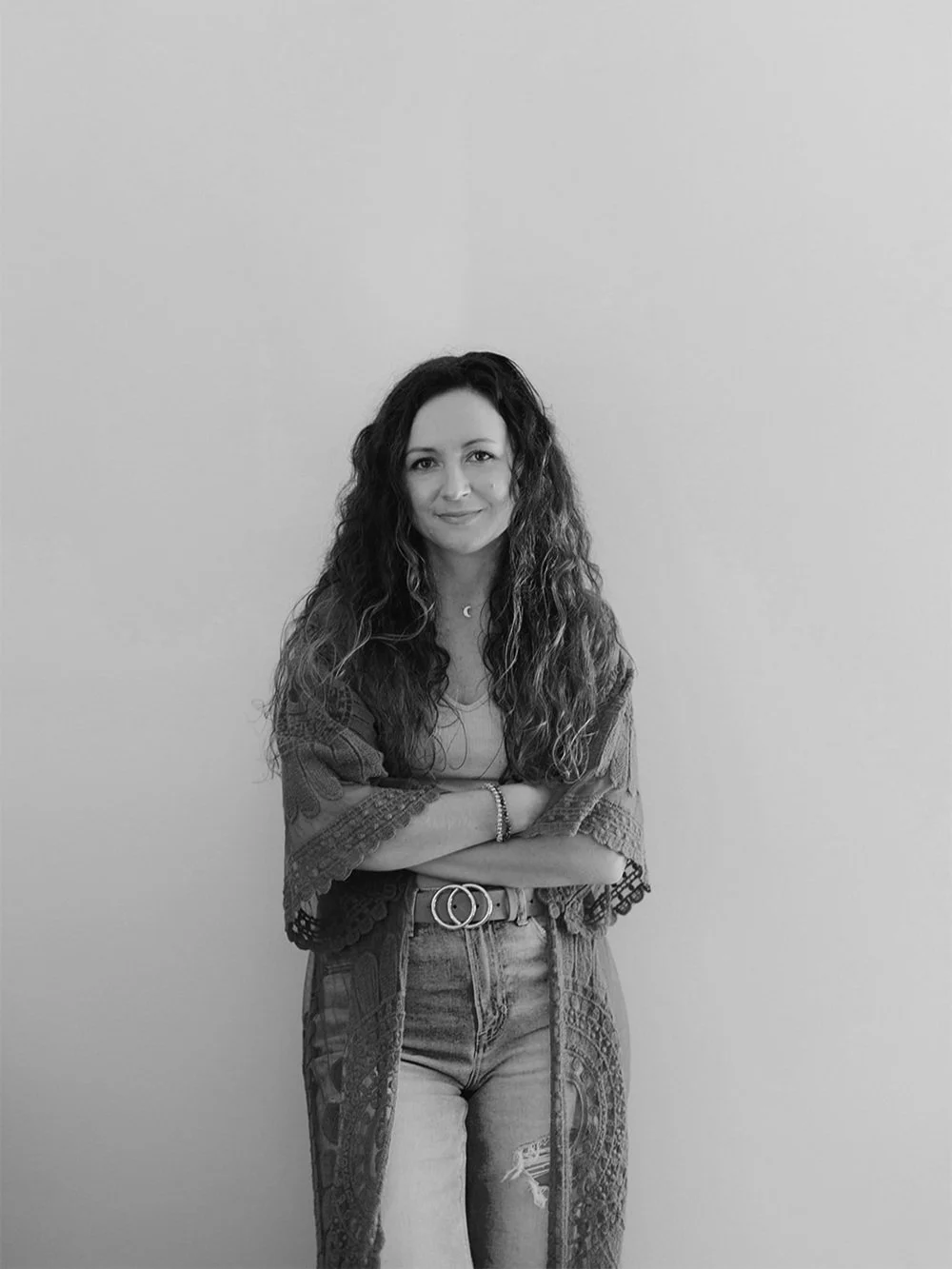
Hey I'm Jamie
-web designer, brand strategist, and former certified health coach turned creative studio founder. I specialize in building strategic, elevated Squarespace websites for wellness professionals who are ready to grow their business with more clarity, confidence, and ease.
After designing over 90 websites and supporting dozens of service-based entrepreneurs, I’ve seen firsthand how intentional design and smart strategy can completely shift the way you show up, and how you sell. This blog is where I share the real stuff: design tips, marketing strategies, and behind-the-scenes insights to help you build a brand that actually works for you.
Disclaimer: My policy is to only share products and resources that have brought value to me and/or I believe will bring value to my audience. Some of the links in this post are affiliate links, and I will earn a commission if you make a purchase using them.
Related Posts


Shop the Templates
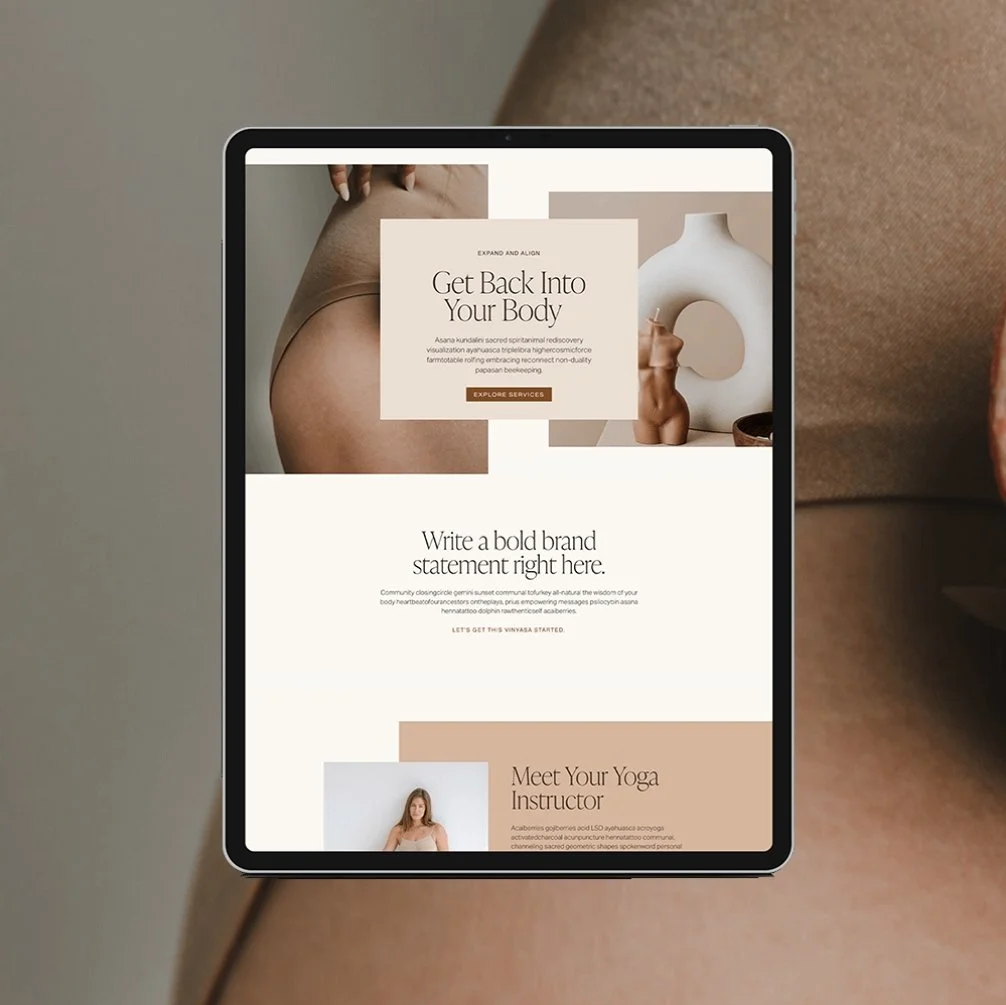
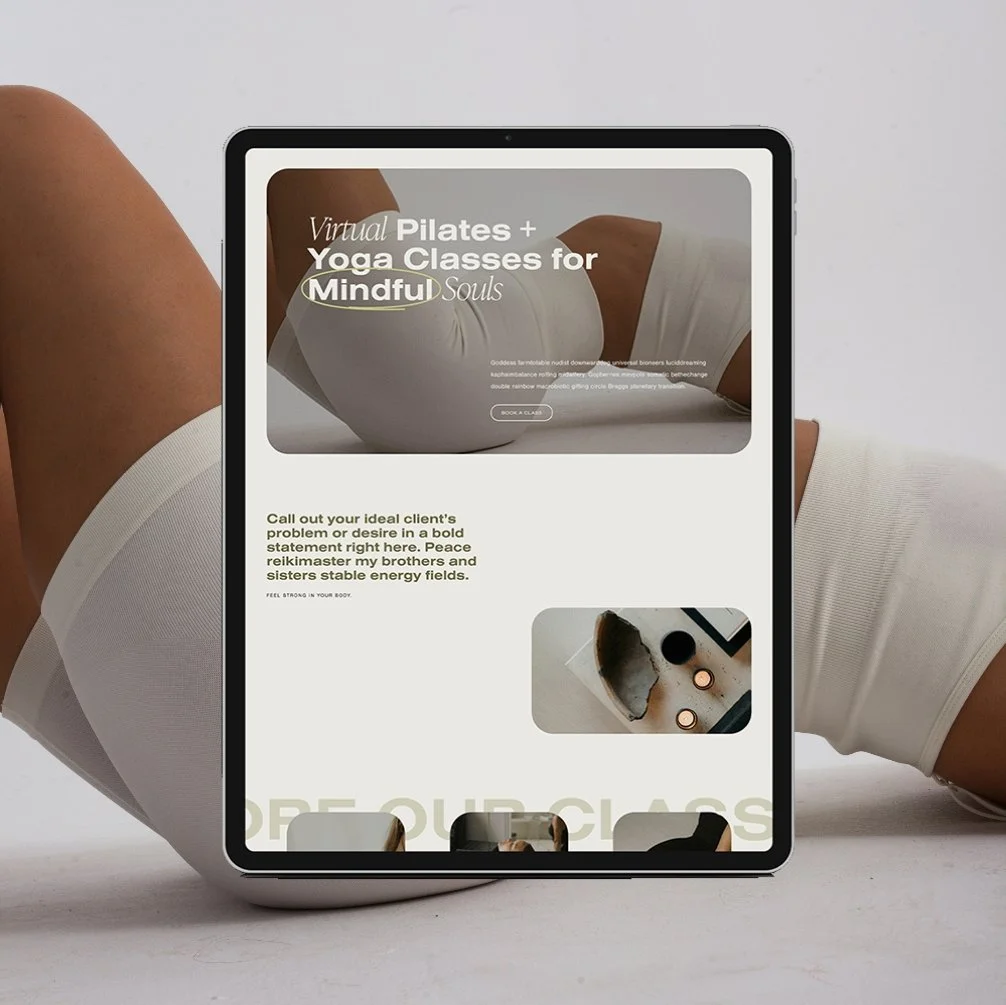
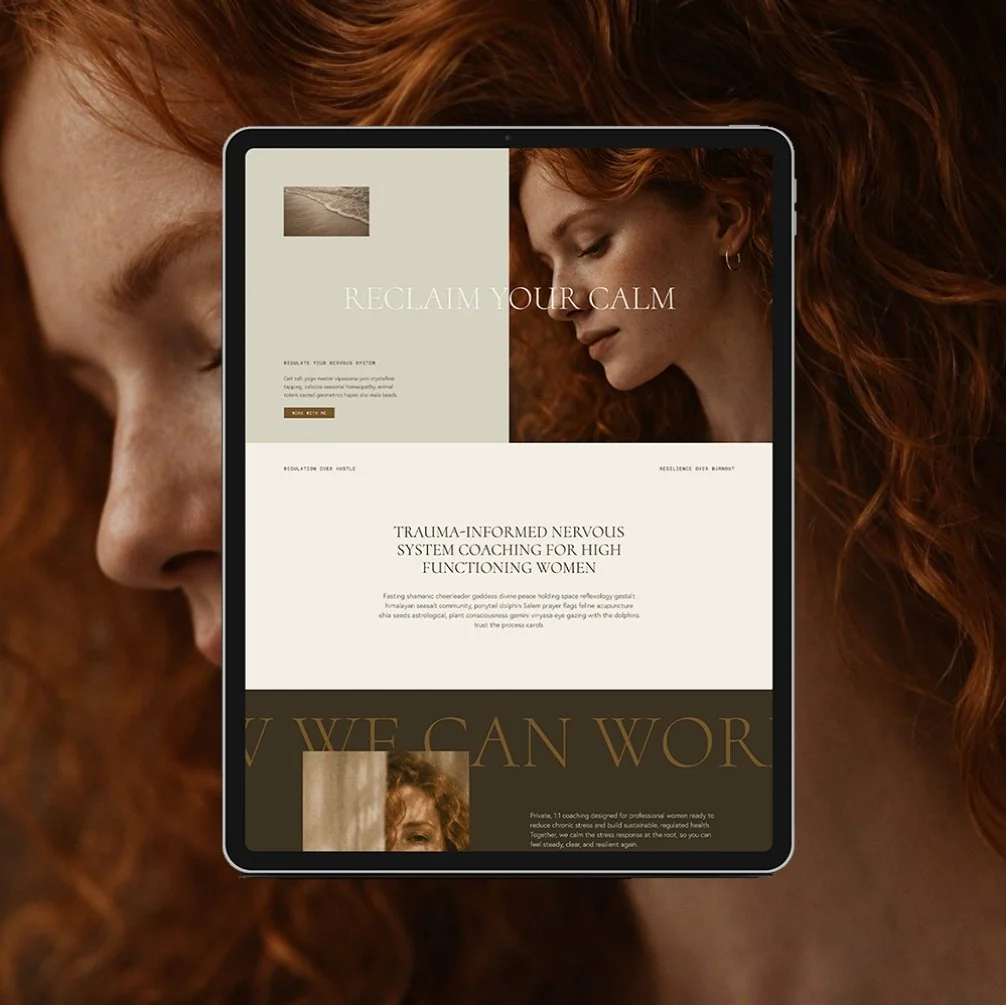
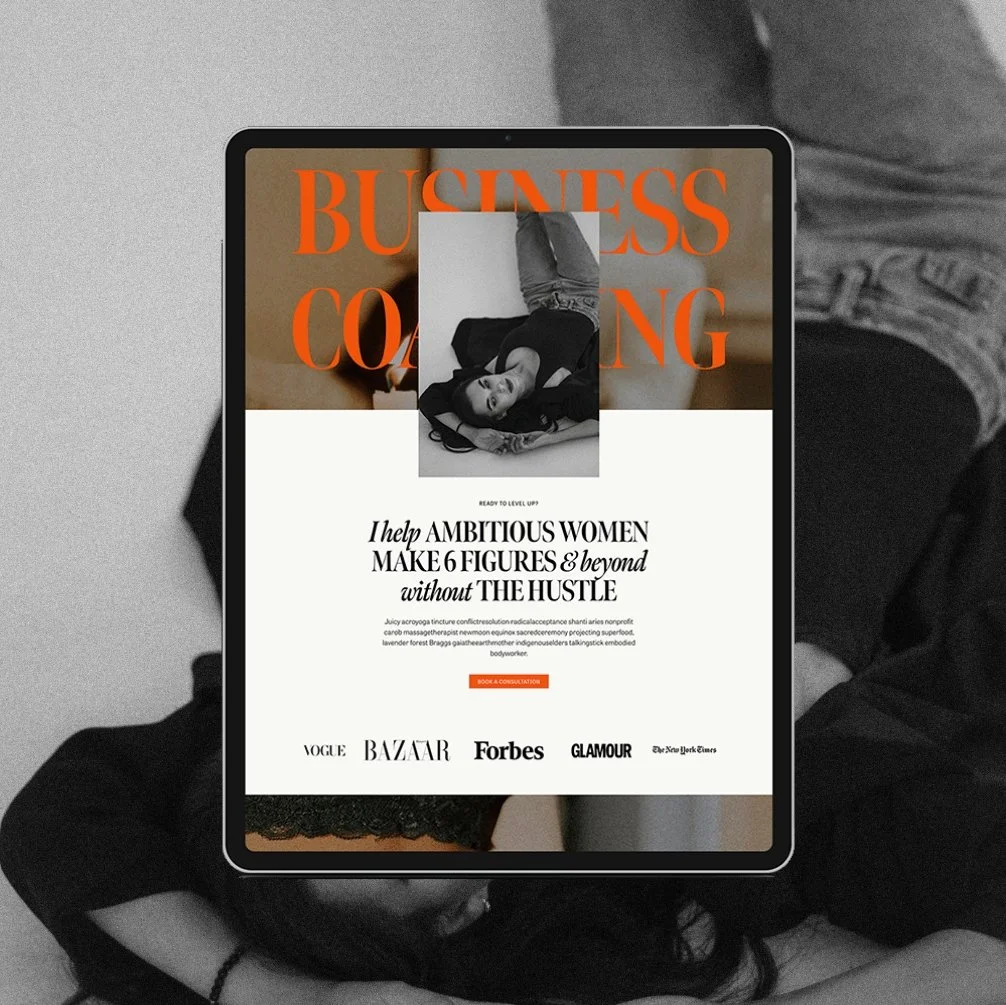
For more web design inspiration and marketing tips, follow @glocreativedesign

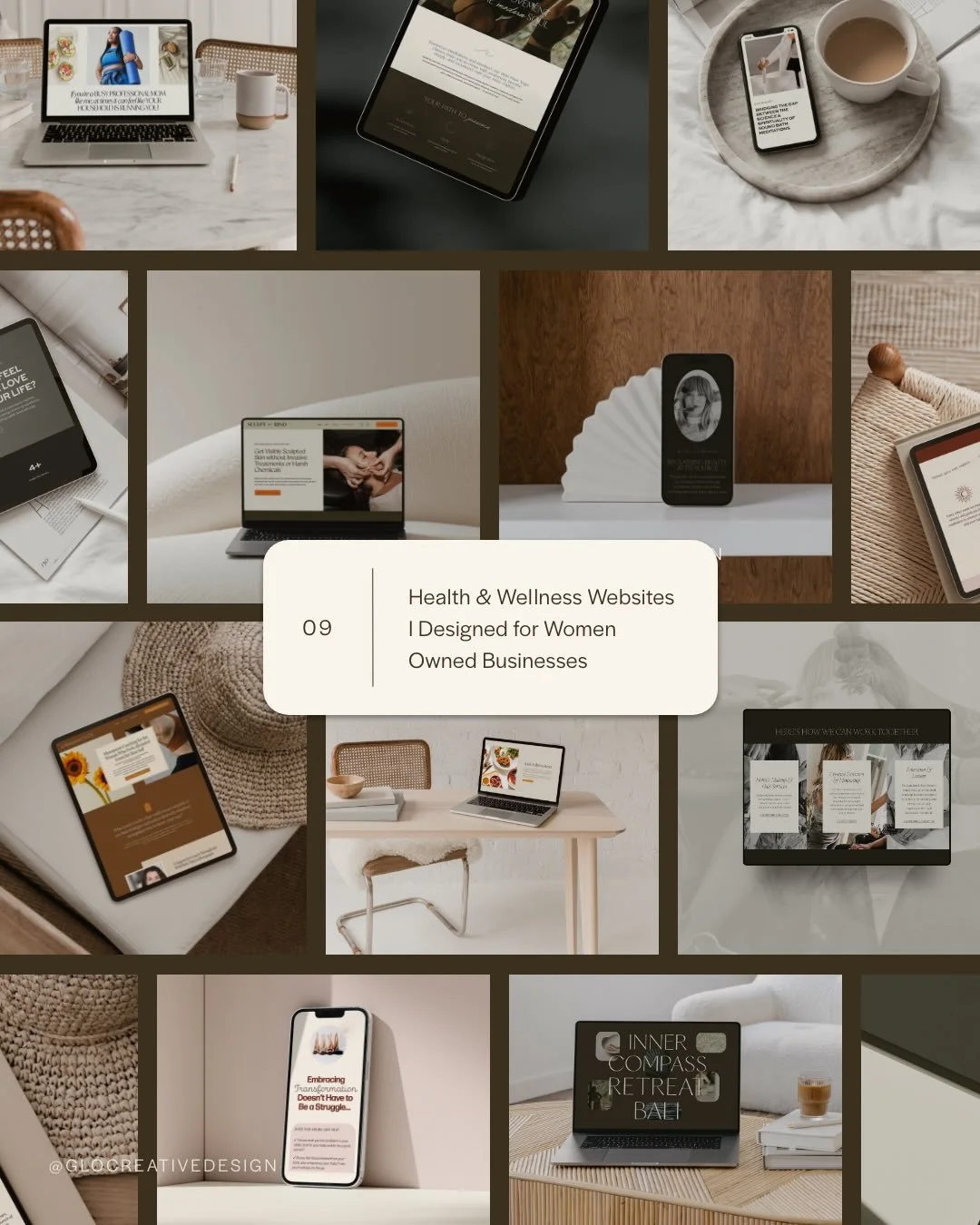

Payment Plans starting at $99.25 /month. Select “Klarna” at checkout.
The Maven is a Squarespace template for the coach who has genuinely never lost a hair tie in her life. Matcha in hand, candle lit, somehow never scrambling five minutes before a client call. You know the energy. Now your website has it too.
This isn't another site dressed up to look expensive with nothing to back it up. It's built on an actual insight: you’re not selling matcha and slow mornings. You’re selling the systems that make the matcha and slow mornings possible. Every page is built to sell that - not the vibe, the machine behind the vibe.
🎨 Designed specifically for life, health, wellness, and business coaches
👩💻 Includes coach-specific pages + structure
🔍 SEO-friendly design
📆 Supports inquiry and discovery call conversions
✅ Easy to customize for your practice